Polaroid Play Trace
com.ebpgroup.polaroidplaytrace
View detailed information for Polaroid Play Trace — ratings, download counts, screenshots, pricing and developer details. See integrated SDKs and related technical data.

Screenshots


Description
Use with the Polaroid Play 3D pen for creating your very own amazing 3D models.
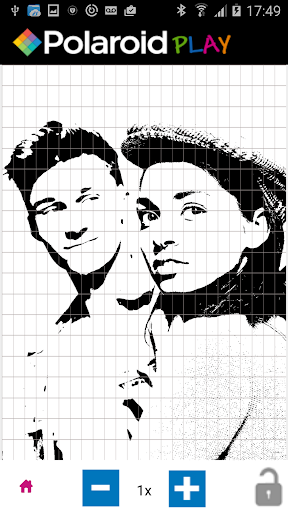
Use the unique Polaroid Play Trace App to open and trace any downloaded 3D template, or ‘stencilize’ your own photographs and then bring them to life in 3D with the Polaroid Play 3D Pen!
Alternatively access the Trace App Library for a selection of sample stencils that you can simply trace and then assemble the parts together to create amazing 3D models.
Features:
• Open your own photographs in the Polaroid Play Trace App and hit ‘Stencilize’ to allow you to create your very own unique 3D model!
• Use the Trace App Screen Protector provided with the Polaroid Play 3D Pen to allow you to trace directly onto your SmartPhone or Tablet
• Free easy-to-trace stencils provided in the Trace App Library which show you all of the individual components you need to trace in order to make the 3D model illustrated
• You can increase the size of the stencil by simply selecting the magnification button until you reach the size you want
• Lock your stencil into place at the right size and position to allow the grid over the image to help you to draw your model one section at a time