Photo Cube Live Wallpaper
com.duskjockeys.photokubelivewallpaper
View detailed information for Photo Cube Live Wallpaper — ratings, download counts, screenshots, pricing and developer details. See integrated SDKs and related technical data.
- No items.
Screenshots


Description
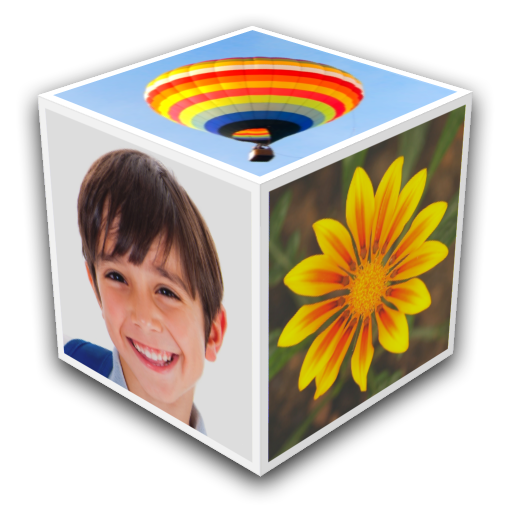
This stunning Live Wallpaper features a rotating 3D photo cube showing pictures and photos from your albums.
Create and customise multiple cubes in your My Cubes gallery, and quickly swap between them.
Specify the exact pictures you want in Single and Custom style, or choose Album style and let Photo Cube randomly update the pictures from an SD card album.
Easily choose pictures from your phone, or from online galleries like Flickr and Picasa, seeing full 3D previews of your choices.
Shake your phone to bounce the cube around the screen, or to refresh your cube's picture from the album.
Quickly change the change the size, position, rotation style and speed of your photocube.
Select from a wide variety of beautiful frames that can be shown around your pictures.
Try a little photo-editing and add some special effects to your photos such as black & white, vintage, vignettes and other fun colour filters.
Choose a background image, background colour and add transparency and blur effects.
Share your cube creations with other Photo Cube users via Bluetooth or Email.
Take screenshots of your favourite cubes and share to Facebook, WhatsApp, Email and anywhere else.
Double tap the wallpaper to bring up the Quick Size and Position screen, simply drag your photo cube to the required size and position.
Backup your My Cubes gallery to and from SD card.
Example photos courtesy of photostock:
http://www.freedigitalphotos.net/images/view_photog.php?photogid=2125