White Board: Easy Write & Draw
com.dsandds.whiteboard.sm
View detailed information for White Board: Easy Write & Draw — ratings, download counts, screenshots, pricing and developer details. See integrated SDKs and related technical data.

Screenshots

Description
In whiteboard you can easily draw anything or write whatever you want.
These whiteboard is very friendly & simple for user.
In whiteboard app you can choose two option that you want whiteboard in portrait/landscape mode.
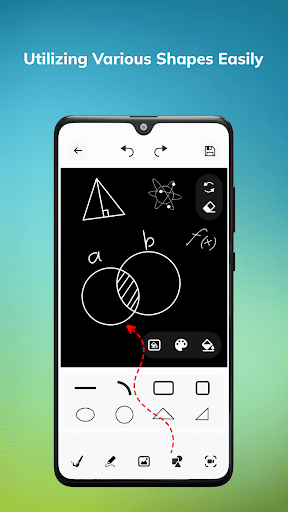
You can easily draw the shape on whiteboard.
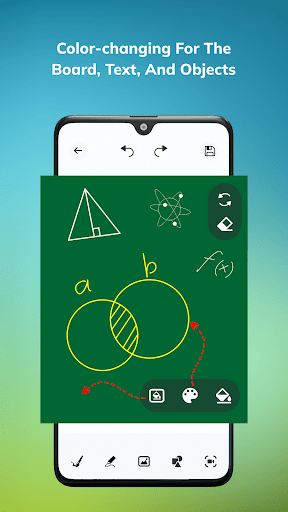
You can change the whiteboard background into coloring board or you can also set your pictures on whiteboard background.
It will provide eraser that whenever you can draw/write/painting in the whiteboard and do the silly mistake then you can easily erase the mistake on the whiteboard.
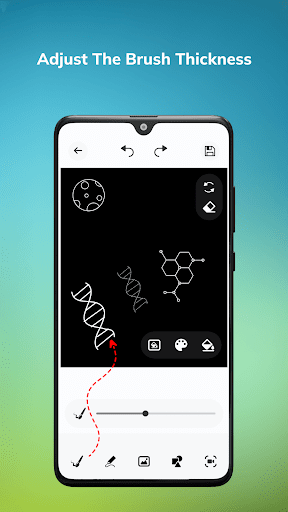
It can also change the width of pencil that you can change manually whenever you want.
Whenever you draw something or whatever you do on the whiteboard if you want that the record the screen then just tap on the recording button it can record whole session and it can save the session when you stop the recording.
Whenever you draw something or whatever you do on the whiteboard if you want that these painting will be saved as an image format that you can easily save the image.
You can undo or redo easily.
It also change the pencil color.
You can easily see your screen recording and images data on history that you can easily preview whenever you want.
Image and screen recording data will easily share and delete also.
If you want your own favorite collection then whiteboard app has these feature that you can easily save your favorite collection.
Just tap on favorite button and you can see your favorite collection of images and screen recording data.
Also remove/preview the favorite collection whenever you want.
Thank you