Logcat Reader
com.dp.logcatapp
View detailed information for Logcat Reader — ratings, download counts, screenshots, pricing and developer details. See integrated SDKs and related technical data.
- No items.
Screenshots

Description
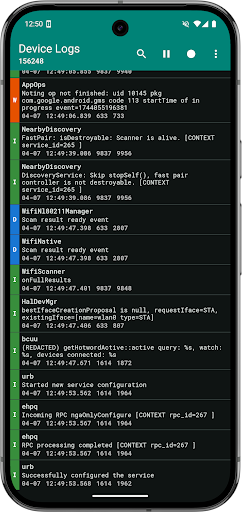
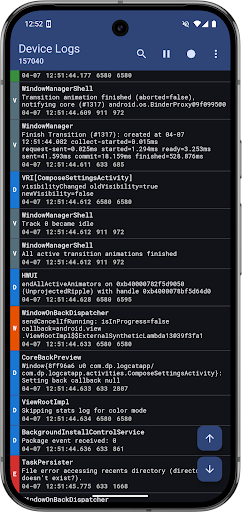
Logcat Reader makes it easy to view and save the device logs. The source code is available at github.com/darshanparajuli/LogcatReader.
Features:
• Color coded logs based on log priority
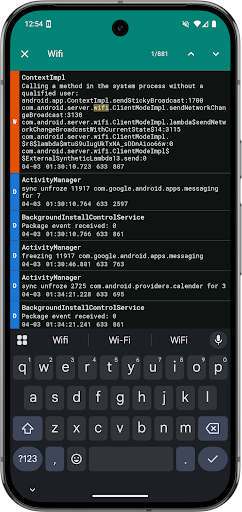
• Search through log messages and tags (supports highlighting)
• Option to select from available log buffers*
• Save logs as a simple text file (as you would see via logcat)
• Material theme (includes dark mode and dynamic color options)
• Compact view option
*May not work on all devices, in which case, the option will simply not be present in Settings.
Permissions:
android.permission.WRITE_EXTERNAL_STORAGE
Needed for saving logs.
android.permission.READ_LOGS
Required for showing all of the logs, not just the ones produced by the Logcat Reader app itself; instructions to grant this permission will show every time the app is opened.
Tested on:
HTC One (m7)
HTC 10
Pixel 9 Pro
GitHub: https://github.com/darshanparajuli/LogcatReader
Thank you for checking out this app :)