MaterialWho for KWGT
com.dosartsmtrlwho.widgets
View detailed information for MaterialWho for KWGT — ratings, download counts, screenshots, pricing and developer details. See integrated SDKs and related technical data.
- No items.

Screenshots

Description
IMPORTANT:
- This is not a standalone app. These another apps are required:
KWGT: https://play.google.com/store/apps/details?id=org.kustom.widget
KWGT PRO: https://play.google.com/store/apps/details?id=org.kustom.widget.pro
- A custom launcher may offer a better experience (Nova Launcher, Lawnchair...)
- For a better experience, follow instructions bellow.
___________________________________________
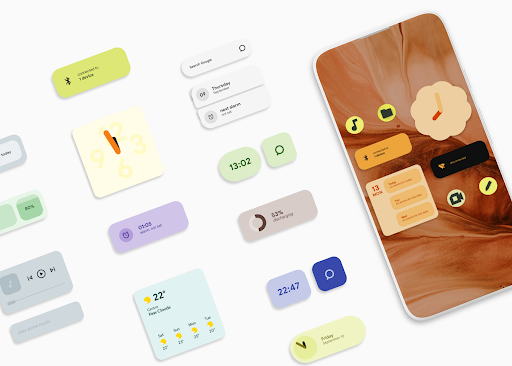
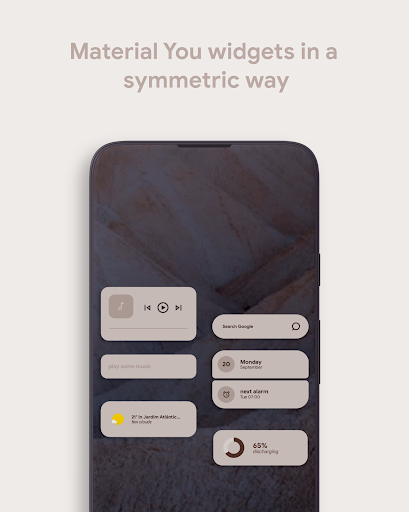
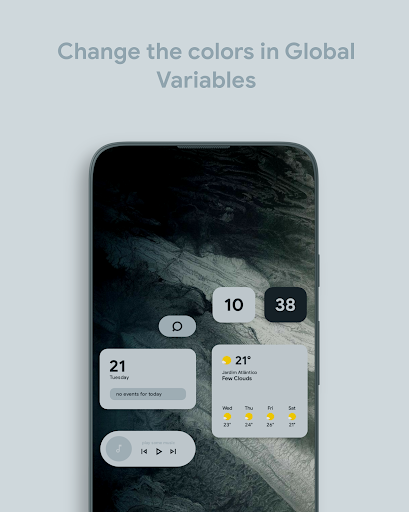
Material Who is a set of widgets inspired by the Material You design guidelines. It even includes a colour palette widget to help you changing any widget.
___________________________________________
HOW TO:
- Recommended launcher grid size: 8x4 (without dock), 7x4 (with dock).
- Each widget brings its padding size attached to the name (mtr 001 2x1, mtrl 003 2x2...)
- Place a 2x1 or 2x2 KWGT widget to your home screen and select the desired MaterialWho widget.
- If you're on Android 12, enable the global variable Dynmode for dnamic widgets. If you're on a previous Android version, keep this variable disabled and customize the colors on global variables bellow this one.
PALETTE WIDGET INSTRUCTIONS:
- Place a full screen widget to your home screen and select the palette widget. Click on desired color and copy the HEX code from Google page. Place another MaterialWho widget on your home screen and paste the copied color in the Global Variable.