Transfer Contacts
com.dktlabs.contacts
View detailed information for Transfer Contacts — ratings, download counts, screenshots, pricing and developer details. See integrated SDKs and related technical data.

Screenshots

Description
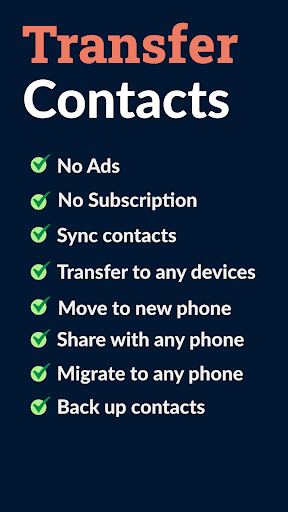
Finding the right App to transfer your large number of contacts and files from your mobile device to another phone should not be hard. We have designed Transfer Contacts prioritizing simplicity and efficiency. You can transfer all your phone numbers on your device to your newly purchased device easily and as fast as your wifi connection would allow.
Here are some feature we built into our App:
- No need for complicated network or Wifi connection setup
- Reliable file transfers.
- Instant contacts transfer.
In case of any issue please contact the Developer directly using "Contact Developer" on this page also make sure you are:
- Granting app permission to external storage
- Connected to the internet
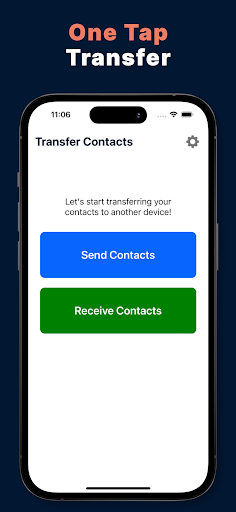
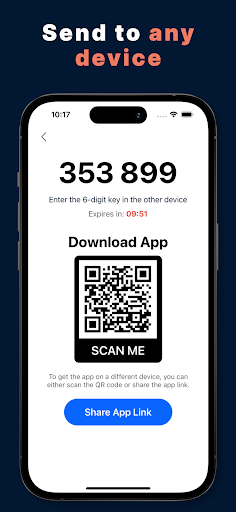
To transfer your contacts (phone number, email, birthday...) choose Send Contacts and select the contacts you want to send to the other device, then tap next to see the six digit PIN number. Use that number to receive contacts on the other phone.
On the destination phone enter PIN number to start the transfer process.
Terms of service http://cybervalueapps.com/terms-of-service/