MyFruit class scan
com.denp.myfruitclassselector
View detailed information for MyFruit class scan — ratings, download counts, screenshots, pricing and developer details. See integrated SDKs and related technical data.
- No items.

Screenshots

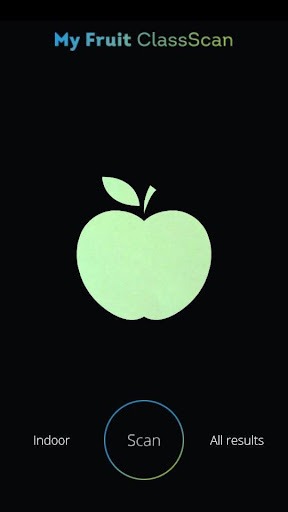


Description
Colors speak louder than words!
Scan, measure, save and share check your base color in just one click!
The new MyFruit Class Selector app gives you The Possibility to check your apple's base color anywhere you because, without using the base-color card. Apple's change from green (unripe) to yellow (ripe) depending on initial quality, and the quality of storage. With this app, you can capture and monitor the development of the base color of your apples with just one simple click!
Assessing the base color of the parties Reviews during the evaluation moments upon entry, and constantly ongoing storage season, gives a indication of the storability of the product. It's exactly the difference in base color (development) between parties, but ook the differences between fruit within a party That Contributes to the quality assessment of the stock and the indication to sacrifice them to the market.
The MyFruit Class Selector app is all about a practical base to capture the color value. If you would like to know more about this app, take a look at www.myfruitclass.com or contact at Van Amerongen or one of our distributors.