Contact Finder
com.deepmobiletech.contactfinder
View detailed information for Contact Finder — ratings, download counts, screenshots, pricing and developer details. See integrated SDKs and related technical data.

Screenshots


Description
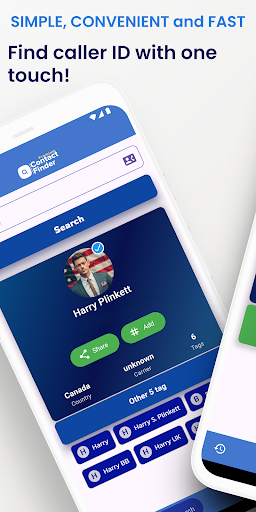
Contact Finder works as your default phone app. It manages calls, writes call history to your device and displays it inside the dialer (only while it’s the default), and shows real-time caller ID tags so you can see who’s calling before you pick up. You can also discover how other users have saved your number (as tags), helping you manage your public profile.
Core features
Default phone app: Make and receive calls, and write & display call history on-device while Contact Finder is set as the default.
Live caller ID tags: See names/tags and extra context during incoming and outgoing calls.
Smart dialer & search: Find contacts quickly and start calls with one tap.
Privacy first: We do not sell your data. Call history access is used only to show call logs in the dialer while we are the default.
How to enable
Open Contact Finder and tap “Set as default phone app.”
Grant permissions in context.
Start calling — your Call History will be written and shown inside the app.
Permissions we request and why
Phone & Call Log: To write and display call history in the dialer only when Contact Finder is the default phone app.
Contacts: To show your saved names for callers.
Notifications: To alert you about calls and caller ID info.
Note: If you later change the default phone app, Contact Finder stops using Call Log until it is set as default again.