CyberLink PowerPlayer
com.cyberlink.powerplayer
View detailed information for CyberLink PowerPlayer — ratings, download counts, screenshots, pricing and developer details. See integrated SDKs and related technical data.

Screenshots
Description
PowerPlayer, the Companion App for PowerDVD
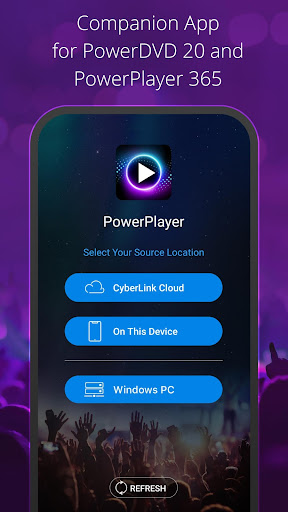
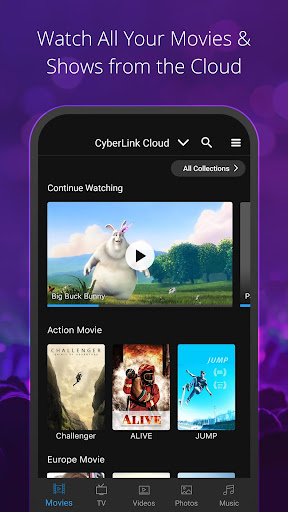
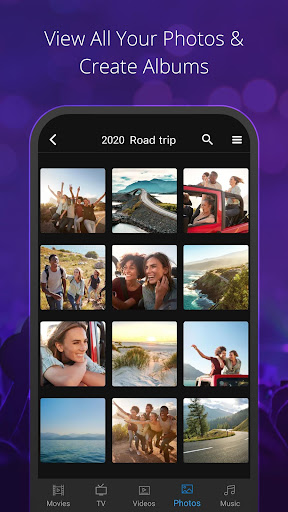
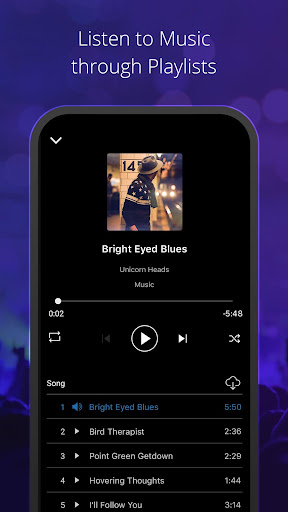
Take your home entertainment experience to the next level with the companion app for PowerDVD and PowerPlayer 365. Easily and quickly access your shared media from your wireless home network or files hosted on your CyberLink Cloud and playback on your phone or Android device. PowerPlayer enables you to binge on your favorite TV shows, movies, photos, and music from anywhere, with seamless playback when switching from one device to another. Share the fun and share your media files with friends and family, allowing them to enjoy on-demand access to movies, shows, and other media files you share with them.
Features:
- Playback media shared via home Wi-Fi network
- Playback media uploaded to CyberLink Cloud
- Seamless playback handoff between devices
- Upload media files to your CyberLink Cloud
- Create sharable links for media store on the Cloud
- Add passwords/restrictions to shared links
**Notes**
For the best experience, the PowerPlayer app requires you to have PowerDVD, or PowerPlayer 365 installed on your home computer and have activated your CyberLink Cloud account.
Share with Friends & Family is only applicable to media uploaded to the Cloud. No additional software or services are required, and playback can be performed via the free PowerPlayer app or using a browser.