Digi-Sense Connect - Meters
com.coleparmer.digisenseconnectmeters
View detailed information for Digi-Sense Connect - Meters — ratings, download counts, screenshots, pricing and developer details. See integrated SDKs and related technical data.
Screenshots

Description
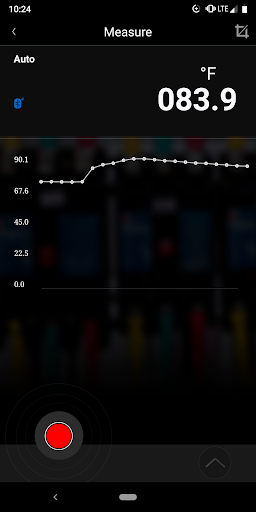
Your 20250-63 clamp meter or 20250-64 multimeter is Bluetooth-enabled, allowing for wireless communication with Android and iOS devices using the free Digi-Sense Connect - Meters app. This app turns your device into a real-time data monitoring system that allows you to review, evaluate, modify and transfer the data collected to email or text. It also allows you to keep a safe distance from potentially hazardous parameters or leave the measuring instrument in place over time and wirelessly collect data at your convenience. Once on your device, the data can be forwarded to others via email or text message and saved for future reference or analysis.
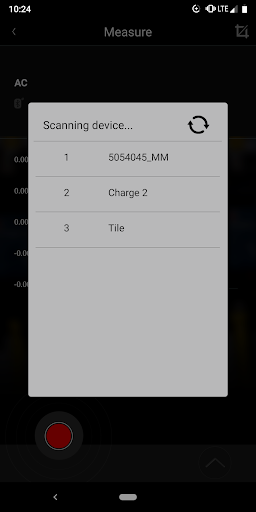
Wireless setup is simple. Download the free Digi-Sense Connect - Meters app to your Android or iOS device. Enable Bluetooth on your instrument and open the app on your device. The instrument will be detected by your device and listed as an available source that you can select. Once selected, the data detected by the instrument will be displayed on your device and some of the instrument functions can be accessed. A full description of its operation is available for download in the app.