LuaStudio
com.codeservice.app.luastudio
View detailed information for LuaStudio — ratings, download counts, screenshots, pricing and developer details. See integrated SDKs and related technical data.

Screenshots


Description
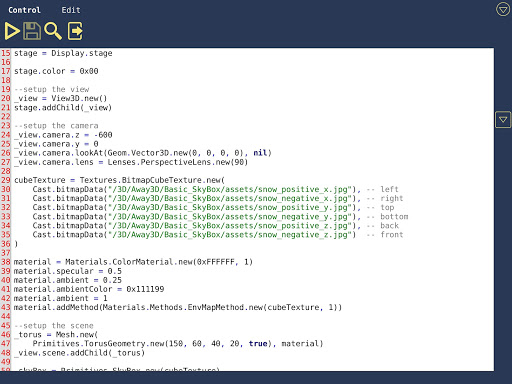
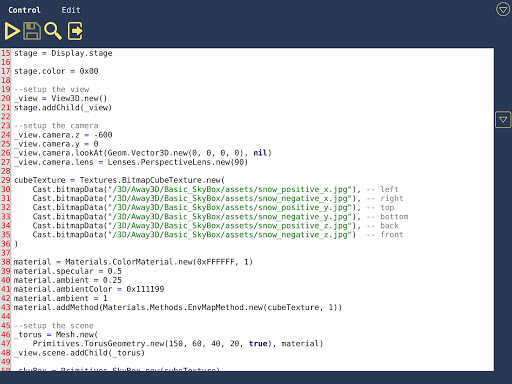
This application allows you create and run Lua code. Check samples for more details.
Save and load files to/from cloud. Long press on file/folder/project gives you more options.
Wide range of available libraries.
Best with physical keyboard. Use shortcut-keys for:
- save code: ctrl + s
- run code: ctrl + r
- search text in file: ctrl + f
- quick access window: ctrl + w
- exit from code editor: ctrl + e
- select all text: ctrl + a
- copy text: ctrl + c
- cut text: ctrl + x
- paste text: ctrl + v
- undo: ctrl + z
- redo: ctrl + shift + z
Use arrows for changing cursor position and + shift for selecting text.