Chat2Desk: Sales&Support
com.chat2desk
View detailed information for Chat2Desk: Sales&Support — ratings, download counts, screenshots, pricing and developer details. See integrated SDKs and related technical data.
- No items.

Screenshots

Description
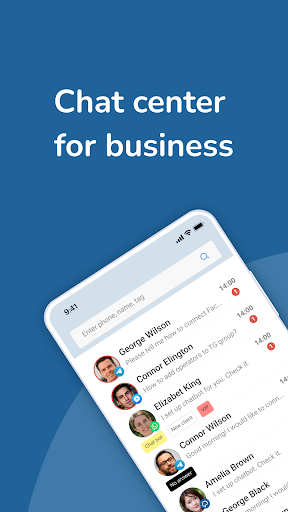
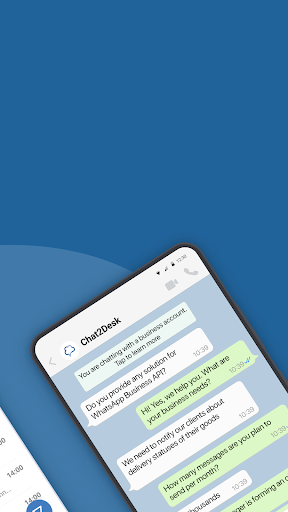
Chat2Desk.com Chat Center allows you to handle messages from WhatsApp™, Instagram™, Telegram™, Facebook™ Messenger, VKontakte™, Viber™, Odnoklassniki™, emails and online chat on your website. You can connect an external channel for receiving and sending messages, such as HeadHunter or Avito. All managers work with one number or one account.
The service combines diverse features in a single system: a chatbot builder, scripts, self-service menus and detailed analytics on all clients. Open API allows you to integrate chatbots and messengers with analytics and CRM systems: amoCRM, Bitrix24, Albato, SalesapCRM, BPMSoft, GenCRM, Megaplan, 1C-Enterprise, SBIS, Calltouch and many others. You can also communicate with clients and process requests from the most popular sites and marketplaces: Avito, Drom, Auto.ru, Youla, HeadHunter.
Customers get 7 days of free testing. Chat2Desk for online chat on the site and one operator is completely free.
If your mobile app employs Chat2Desk SDK to organize chats, you will be able to respond to them through our app.
In order to work in the mobile application, you need to sign up in advance at https://chat2desk.com/.
The Chat2Desk mobile app allows you to:
– view and assign tags,
– communicate with clients in chats,
– edit fields in the client's card,
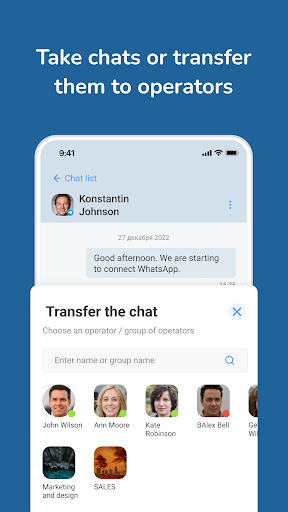
– transfer a client between operators,
– leave comments on chats,
– view client cards,
– initiate dialogs using the “Write first” option,
– search for necessary chats and information within a chat,
– filter the list of chats,
– use two-factor authentication when logging into the app.
With the help of Chat2Desk mobile app, sales and support staff can answer customer questions remotely. At the same time, department managers can use the app to monitor the performance of the staff.