이리온몰
com.ch2ho.hybridshop.irionmall
View detailed information for 이리온몰 — ratings, download counts, screenshots, pricing and developer details. See integrated SDKs and related technical data.
Screenshots

Description
Come here because you love ~ Come here because you believe! The first pet brand in Korea
Ion Mall, the pet premium shopping mall launched after the animal hospital!
In the mall,
-Additional discounts and rewards through member-specific benefits!
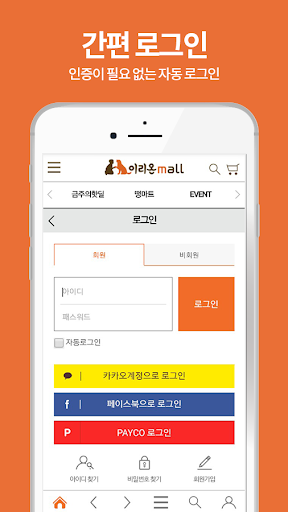
-Convenient and easy payment system!
-Shop at one time in the mall with premium products!
-A variety of information about pets and disease-related information that can not be easily seen at a glance!
-Detailed review of each item!
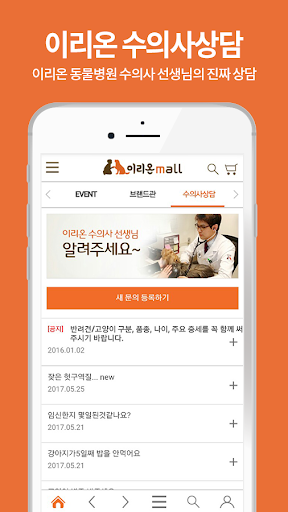
-1: 1 inquiry to the vet teacher!
I will always be the customer to put the first Ion Mall.
■ Guide to App Access Permissions
In accordance with Article 22-2 of the Act on the Promotion of Information and Communication Network Utilization and Information Protection, the user receives consent for `` app access authority '' for the following purposes.
Only those items that are essential to the service are accessed.
Even if the item of selective access is not allowed, the service can be used and its contents are as follows.
[Contents of required access]
1.Android 6.0+
● Phone: Access this function for device identification on first run.
● Save: Access this function when you want to upload file, bottom button and push image when writing a post.
[Contents for Selective Access]
-If you have a near store push feature, include location permissions below.
● Location: Approve the customer's location to deliver valid information about the store.
[How to withdraw]
Settings> Apps or Applications> Select the app> Select permissions> Select to accept or revoke access
※ However, if you run the app again after withdrawing the required access information, the screen requesting access permission will come out again.
2. Under Android 6.0
● Device ID and Call Info: Access this feature for device identification on first run.
● Photo / Media / File: Access this function when you want to upload file, bottom button and push image when writing a post.
● Device and App History: Access this feature to optimize app service usage.
-If you have a near store push feature, include location permissions below.
● Location: Approve the customer's location to deliver valid information about the store.
※ Even though it is the same access contents depending on the version, the expression is different.
※ In case of Android 6.0 or lower version, individual consent is not possible for the item, so we have obtained the required access agreement for all items.
Therefore, please check if you can upgrade the operating system of your device to Android 6.0 or later and recommend the upgrade.
However, even if the operating system is upgraded, the access rights agreed on by the existing apps will not change. Therefore, in order to reset the access rights, you must uninstall and reinstall the already installed app.