English Stories by O.Henry
com.cbinternational.EnglishStoriesOHenry
View detailed information for English Stories by O.Henry — ratings, download counts, screenshots, pricing and developer details. See integrated SDKs and related technical data.
Screenshots
Description
English Short Stories by O.Henry
Download biggest collection of English Stories by O.Henry on Playstore
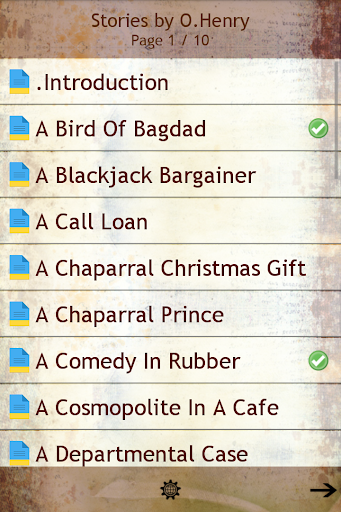
Love English Stories and English Literature? This app is perfect for you. This app contains the biggest collection of English Short Stories by O.Henry [William Sydney Porter] on Playstore
Some Features of This App
★ Choose text size and text color for better readability
★ 100% free application
★ Beautiful and clean user friendly interface
★ App can be moved to SD card
★ Completely Offline. No Internet connection needed, no extra files to download!
★ Very Compact. Only 4MB download size.
William Sydney Porter (September 11, 1862 – June 5, 1910), known by his pen name O. Henry, was an American short story writer. O. Henry's short stories are known for their wit, wordplay, warm characterization, and surprise endings.
Special Features of App “English Stories by O. Henry”
******************************
CHANGE TEXT COLOUR
******************************
You can change the text color of story page as per your requirement. Just go to Options Menu and choose "Change Text Colour". You can select the Text colours from a list of available colours. Just select and hit Save. The colour of Story Page Text will change as per your choice. (Applicable only in Story Screen).
******************************
CHANGE TEXT SIZE
******************************
You can change the text size of Story page as per your requirement. Just go to Options Menu and choose "Change Font Size". You can select the font size from smallest to largest. Just select and hit Save. The size of Story Page Text will change as per your choice (Applicable only in Story Screen).
****************************************
BOOKMARK FEATURE
****************************************
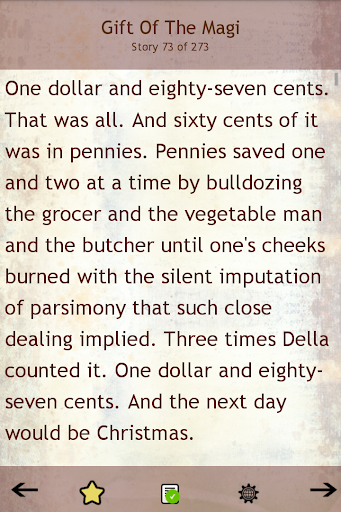
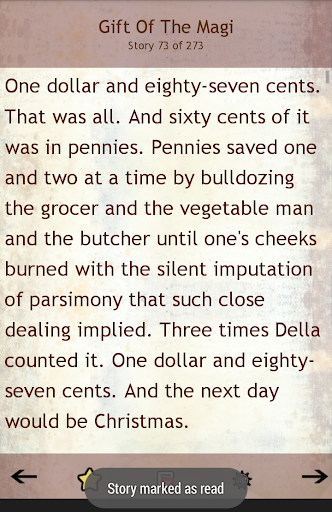
This App supports bookmarks. Forgot from where you left reading? Just press the star icon[see screenshot] on the Story Page and the Page will be bookmarked. You can resume reading by selecting "Go to Bookmark" option from the Options Menu.
Please take out a minute to Rate and Review our app.