YouAR
com.canon.AugmentedReality2018
View detailed information for YouAR — ratings, download counts, screenshots, pricing and developer details. See integrated SDKs and related technical data.

Screenshots



Description
Experience the virtual world of "YouAR"!
With this app, print media with multimedia content will be expanded. The "YouAR" augmented reality app merges the real with the virtual world. All printed products marked with the augmented reality icon are linked to augmented reality content. These can be advertisements, flyers, posters, brochures or catalogs.
Multimedia media retrieved through this app adds new meaning to the print product. This way, photos can come alive and impressively tell a story in moving pictures.
That is how it goes:
1. Download the free augmented reality app "YouAR" from the App Store.
2. Look for the augmented reality icon in advertisements, flyers, posters, brochures or catalogs. This icon indicates that this page allows you to interact with the "YouAR" app and more information is virtually available.
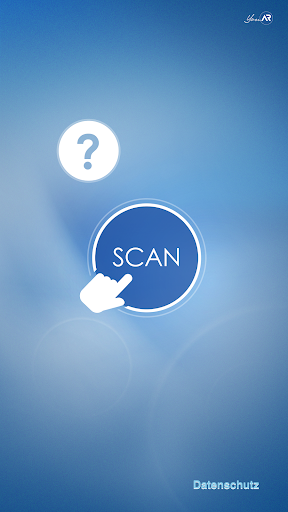
3. Open the app and press the "SCAN" button. Now hold your device over the side so that the camera can recognize it. Please make sure that you capture the whole page, not just the augmented reality symbol. Once this has happened, you can now experience how a new virtual level connects to the real screen and communicates multimedia content.
Hints:
Please note that the subjects have no light reflections and the app is started in uniform lighting conditions. It's important that you have at least a 3G network connection or you have a Wi-Fi connection. Please keep your device quiet when scanning.
Have fun with the "YouAR" augmented reality app!