Calculator Locker: Clock Vault
com.calculator.locker.clock.vault.photo.hider
View detailed information for Calculator Locker: Clock Vault — ratings, download counts, screenshots, pricing and developer details. See integrated SDKs and related technical data.
- No items.
Screenshots
Description
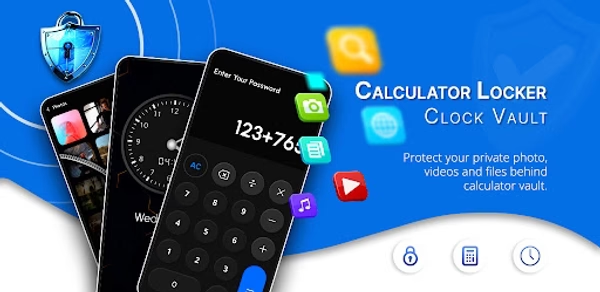
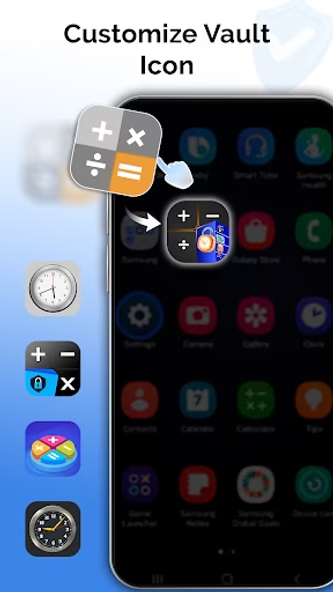
Introducing Calculator Locker: Clock Vault, a privacy-focused app designed to help you securely store personal photos, videos, and files. With the option to switch between calculator and clock modes, this dual-interface vault offers a discreet way to access your private content. You can even customize the app icon to blend in with your other apps for added peace of mind.
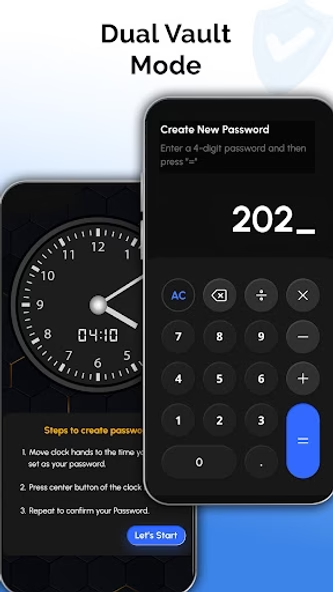
With Calculator Locker, access is simple and secure—just enter your desired code into the calculator interface or align the clock hands to your preset combination. It’s a reliable tool for anyone looking to protect their digital memories or important files.
Key Features:
Dual-Mode Access: Choose between calculator and clock interfaces for a discreet and secure experience.
Customizable App Icon: Modify the app’s appearance to maintain a low profile on your device.
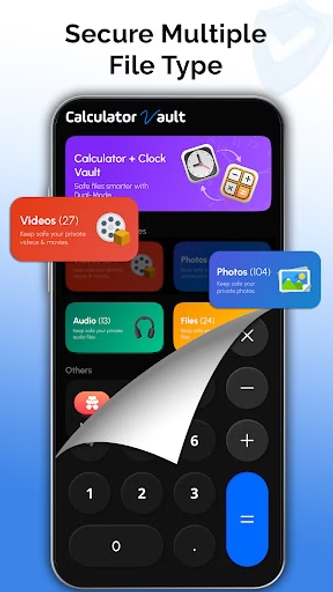
Secure File Storage: Store your private photos, videos, and files in an encrypted vault.
Fully Functional Tools: Both calculator and clock modes work just like their native counterparts.
User-Friendly Interface: Enjoy quick, intuitive access to your vault content.
Whether you prefer a calculator-style photo vault or a clock-based file locker, this app delivers a private and secure solution for your data protection needs. Download now, personalize the look, and take control of your privacy.
Password Recovery
If you forget your password, you can reset it using the app’s in-app recovery system.
Disclaimer
Uninstalling the Calculator Locker: Clock Vault app will permanently erase any files stored within it. Reinstalling the app will not restore lost data. Please ensure you unlock and back up important files to your public gallery before uninstalling to avoid permanent loss.
All images used in this app store listing are licensed under the Creative Commons Zero (CC0) license.