Phone Screen ON Counter
com.byonetech.android.oncounter
View detailed information for Phone Screen ON Counter — ratings, download counts, screenshots, pricing and developer details. See integrated SDKs and related technical data.
Screenshots

Description
Do you ever wondering how many times you are using your phone a day, and what hours do you use most of your phone? This app provides you this just the info.
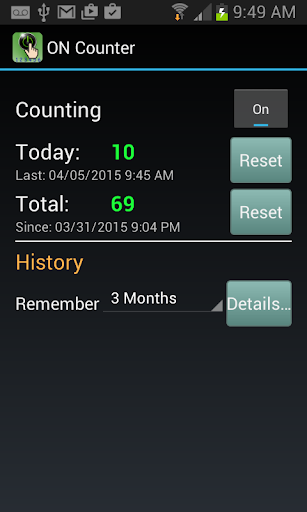
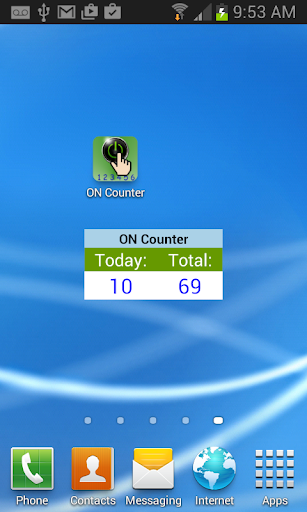
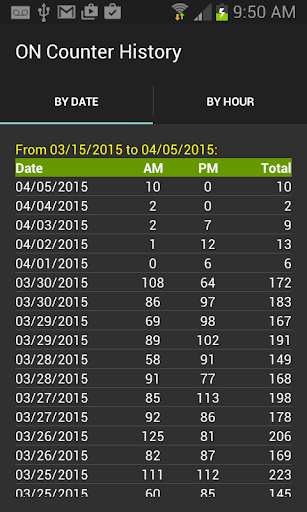
To start, you can simply either add an “ON Counter widget” to your screen or launch the app and turn on the counting. As you continue use your phone normally, few days later you can view the history to see how many times you turned on the phone. The history shows how many times you turned on your phone by daily (AM, PM, and Total) or hourly, and then you can select a date or hour to see more details of that particular date or hour usage.
Note - The app stores all data on your phone’s local storage only; it doesn’t send the data to the developer or any other companies.
This is an AD supported application. It uses the following permissions:
- Internet access: To support the AD.
- Run on startup: To start the app service after reboot the phone.
- Retrieve running app: To ensure the app service loads only once.
Install the app and let the counting begin.