Btn Credit Card Mobile
com.btn.cobrand
View detailed information for Btn Credit Card Mobile — ratings, download counts, screenshots, pricing and developer details. See integrated SDKs and related technical data.
Screenshots


Description
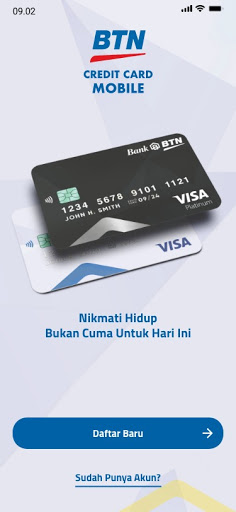
BTN Credit Card Mobile is a banking services facility which can be accessed through mobile devices. Give users the ease of Applying New BTN Credit Card.
How to use :
Make sure that you are registering your own mobile phone number.
First of all, to use BTN Credit Card Mobile, you can download BTN Credit Card Mobile application at Google Play Store. Before you Apply New BTN Credit Card through mobile devices, you have to read the term & condition before applying below:
1. Age must above 21 years old
2. Min. salary Rp5.000.000/month or Rp10.000.000/month if already owned more than 2 credit cards
3. Indonesian citizen (WNI)
BTN Credit Card Mobile provide convenience and let you Apply for the new BTN Credit Card as easy as one click away. Document need to be prepared such as:
1. Capture your ID Card then fill the column of Name, ID Number and Date of Birth
2. Fill the column of Personal Data, Family or Emergency Phone Number and Personal Job
3. Upload the document for completing the application such as ID Card, Selfie with ID Card, TaxPayer Identification Number and Pay Slip
4. If all of the above is completed then submit Form Application
Through BTN Credit Card Mobile application, you can enjoy the features of Credit Card Services, such as:
1. Electronic Form (e-form)
2. Card Status
3. Card Activation
4. Card Information
5. Limit Information
6. Posted Transaction
7. Billing Inquiry
8. Card Replacement
There's no need to worry. Just click-click-click through your mobile phone and let us do the rest. So, what are you waiting for? Apply now for free!