Bopup Messenger: In-house IM
com.blabs.bopup.messenger
View detailed information for Bopup Messenger: In-house IM — ratings, download counts, screenshots, pricing and developer details. See integrated SDKs and related technical data.
- No items.

Screenshots
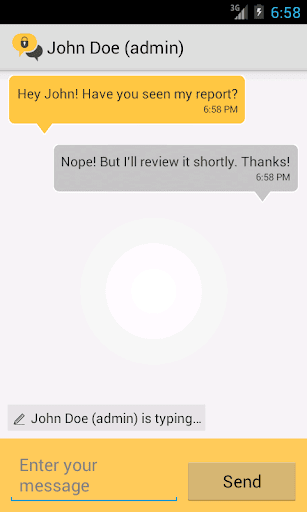
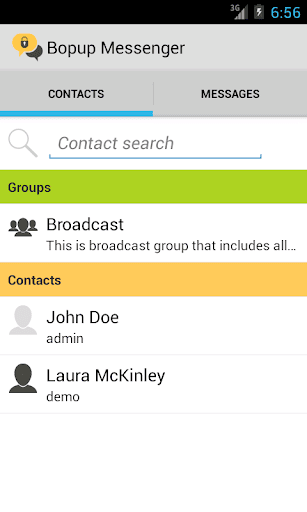
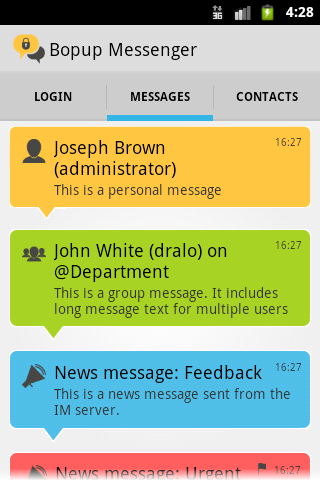

Description
This app allows to exchange secure instant messages and communicate instantly with other users connected to the same Bopup Communication Server software from mobile and desktop messaging clients within same office network, corporate VPN or Internet.
Bopup Messenger is primarily designed for business and enterprise use, it allows companies and offices to have their own private and fully managed secure IM network organized over Wi-Fi/LAN or Internet connection. Instant messaging operates on a self-hosted IM server named Bopup Communication Server that must be running on a customer's environment or using a cloud-based IM server. The server accepts users connected from Windows desktop and mobile applications, and offers history logging, management of users and messaging groups, scheduled IM for automated and urgent notification of users. Supported features include user presence status, personal and group chat, offline messaging.
Text chat is strongly encrypted and archived on the IM server which is privately hosted and provided as a stand-alone application. Encryption is based on Diffie-Hellman key exchange to generate public/private keys and all data is encoded using CAST-128 algorithm.
Evaluation of this instant messenger app is possible via shared communication server running on Bopup.me. In this case this address must be entered as a name of the IM server on Login screen and one from test user accounts can be used. For more information please visit https://www.bopup.me website.