Gesture Guard: Screen Lock
com.bblab.time_lockscreen.gesture_lockscreen
View detailed information for Gesture Guard: Screen Lock — ratings, download counts, screenshots, pricing and developer details. See integrated SDKs and related technical data.
Total installs
1.1M(1,156,356)
Rating
4.5(43 reviews)
Released
August 21, 2024
Last updated
December 19, 2024
Category
Lifestyle
Developer
BINARY BRIDGE LABS TECHNOLOGY, JSC.
Developer details
Name
BINARY BRIDGE LABS TECHNOLOGY, JSC.
E-mail
contact@binarybridge.dev
Website
unknown
Country
unknown
Address
unknown
Android SDKs
- No items.
Screenshots

Description
Unlock your phone with style and enhanced security using Gesture Screen Lock! This app offers a variety of unique smart lock options to maintain your phone security while showcasing your personality.
Amazing Features of Gesture Lock App:
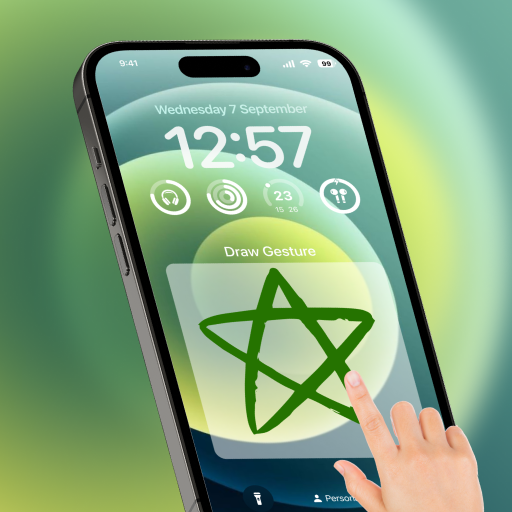
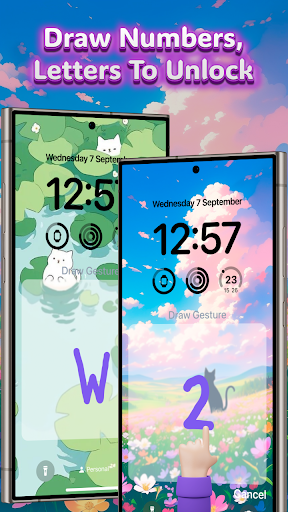
🖋️ Gesture Lock Screen:
• Add, change, or delete custom gestures effortlessly
• Change or hide lock pattern colors to suit your style
• Create two-factor authentication for added security
• Draw password like signatures, or fun shapes to unlock
🛡️ Set Up PIN Lock:
• Secure your phone with a personal identification number (PIN)
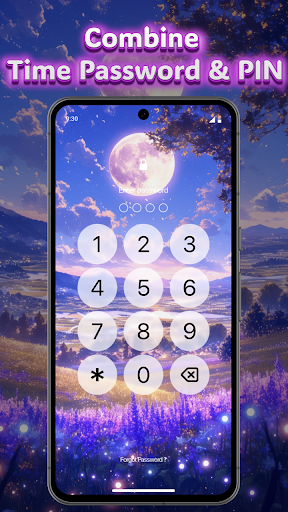
⏰ Time Password:
• Current Time: Type the current time to unlock
• PIN + Current Time
• PIN + Current Hour
• PIN + Current Minute
• PIN + Current Day
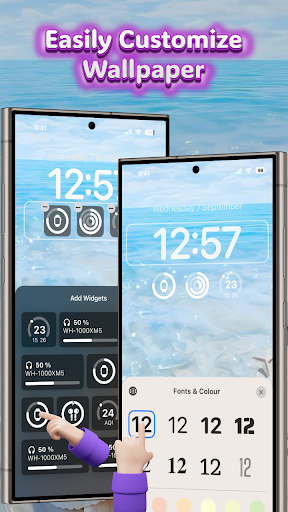
🖼️ Lock Screen Wallpaper:
• Access a collection of minimalist wallpapers
• Set up a calendar and time clock on your lockscreen
• Add photos from your device storage for a personal touch
Why You’ll Love Using Gesture Screen Lock:
Enhanced Security:
Protect your phone with custom gestures, PIN lock, and time-based passwords. Two factor authentication lets you use Gesture Screen Lock along with your device password for extra security.
Personalized Experience:
Customize your lockscreen with a smart lock and a minimalist wallpaper. Express yourself through creative gesture shapes like hearts and stars.
Getting Started is Easy:
➕ Set Up Gesture Screen Lock:
• Open the app and go to the gesture lock section
• Add a new gesture, change an existing one, or delete a gesture
• Customize the gesture color or choose to hide it
🔢 Set Up PIN:
• Navigate to the PIN setup section and enter your desired PIN
⏳ Set Up Time Password:
• Select the time password option in the settings
• Choose your preferred method (current time, PIN + current time, etc.) and configure it accordingly
🌟 Customize Lock Screen & Wallpaper:
• Browse through the collection of minimalist wallpapers
• Choose your favorite and set it as your lockscreen background
• Add a calendar and time clock for easy access
• Add photos from your device storage for a personal touch
Note:
The lockscreen drawing app requires permission to display over other apps to function properly.
Download Gesture Screen Lock now and enjoy a new level of security and personalization for your phone!