UXI Onboarding
com.aruba.uxi.onboarding.android
View detailed information for UXI Onboarding — ratings, download counts, screenshots, pricing and developer details. See integrated SDKs and related technical data.

Screenshots

Description
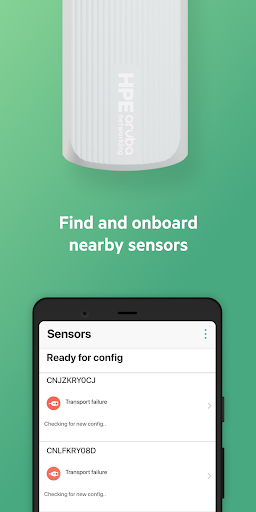
NEARBY SENSORS
See sensors within the Bluetooth range. View sensor information including signal strength.
TROUBLESHOOT CONNECTIVITY
Diagnose issues preventing sensors from reaching HPE Aruba Networking User Experience Insight (UXI) cloud services via Ethernet or cellular. See network interface and connection information, issue details, and suggested fixes.
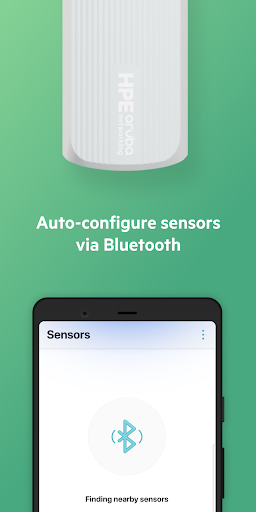
AUTO CONFIGURE
"Jumpstart" connectivity to HPE Aruba Networking User Experience Insight cloud services.
Step one: set the network configuration, including 802.1X credentials, certificates, and/or proxy settings on the UXI dashboard.
IDENTIFY SENSORS
Pre-provisioning multiple sensors?
Identify a specific sensor from the app. Swipe, or tap “Identify” to change the sensor’s status LED color.
PRIVATE & SECURE
Only your sensors appear in the app. All communications between sensors and the app are encrypted.
Requires an HPE Aruba Networking User Experience Insight account. Supports only G-Series sensor models including UX-G5E and UX-G5C.
HPE Aruba Networking User Experience Insight provides a comprehensive, proactive monitoring solution that transforms user experience management. With easy-to-deploy sensors and an intuitive ML-powered dashboard, HPE Aruba Networking User Experience Insight significantly reduces the time taken to identify and troubleshoot network issues impacting high priority services.