Advanced Touchpad Pro
com.arcoid.advancedtouchpad
View detailed information for Advanced Touchpad Pro — ratings, download counts, screenshots, pricing and developer details. See integrated SDKs and related technical data.
- No items.

Screenshots


Description
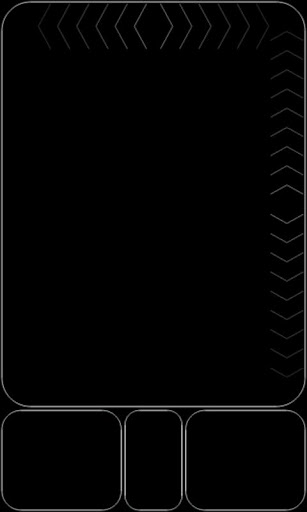
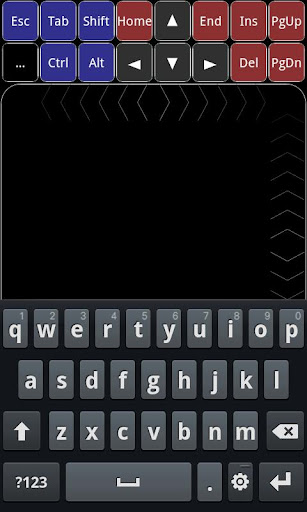
Advanced Touchpad turns your Android device into a wireless touchpad (mouse) and keyboard to control your PC.
Instructions:
1- Download the server from http://www.arcoid.net/downloads.php
2- Exctract and run "Arcoid Server" on your PC.
3- On your device go to "Menu->Auto Discover" (You can long-press middle button instead) and choose one IP Address from the popup list.
If you like it, please share your experience by leaving a review.
Please do not report bugs in comments, send email to us : arcoidapps 'at' gmail 'dot' com
Features:
Supports Windows.
Automatic detects computers (no need to manually configure IP address).
Wireless mouse.
Wireless keyboard.
Simple and powerful user interface.
Supports portrait and landscape modes.
Auto enable WiFi (no need to activate WiFi before starting it).
Vertical and horizontal scrollbars.
Two-Finger scrolling (vertical and horizontal).
Pinch To Zoom.
Tap to click.
Double tap to double click.
Tap lock (when dragging).
3 mouse buttons.
Sensitivity control.
Support special characters.
Auto run with Windows feature (in Windows 7 right click and run as administrator).
Acceleration Threshold control.
Haptic feedback.
Improved sensitivity control.
T9 is supported.
Smiley keys are supported (not every keyboard has smiley keys).
Special Keys (Ctrl, Alt, Arrows, F1, ...).
Multimedia Keys (Play, Pause, Stop, ...).
Explorer Keys (Home, Back, Refresh, ...).
Auto "Tap Lock" Release.
Swap left and right buttons.