Arçelik Akıllı Kumanda - TV Se
com.arcelik.smartremotecompanion.arcelik
View detailed information for Arçelik Akıllı Kumanda - TV Se — ratings, download counts, screenshots, pricing and developer details. See integrated SDKs and related technical data.

Screenshots


Description
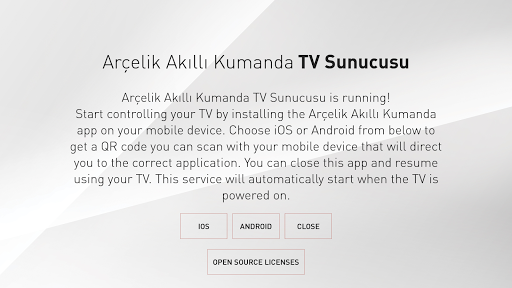
In order to control your Arçelik Android TV with "Arçelik Akıllı Kumanda" mobile application, you must run "Arçelik Akıllı Kumanda - TV Servisi" application on your TV. This application allows you to control your TV with your mobile device by starting the TV services required for "Arçelik Akıllı Kumanda" application to operate, in the background.
After you have installed "Arçelik Akıllı Kumanda - TV Servisi" application on your TV, you need to start it only once. When the required services has started in the background successfully, "Arçelik Akıllı Kumanda - TV Servisi başlatıldı!" message will be displayed on the screen. From now on you can close the application to enjoy the TV, required services keep functioning in the background and they will be activated automatically on each TV boot up.
After you have initiated "Arçelik Akıllı Kumanda - TV Servisi" application on your Arçelik Android TV, you can control the TV by installing "Arçelik Akıllı Kumanda" application on your mobile device and following the instructions of it.