Translator Studio
com.appodox.translatorstudio
View detailed information for Translator Studio — ratings, download counts, screenshots, pricing and developer details. See integrated SDKs and related technical data.
- No items.

Screenshots
Description
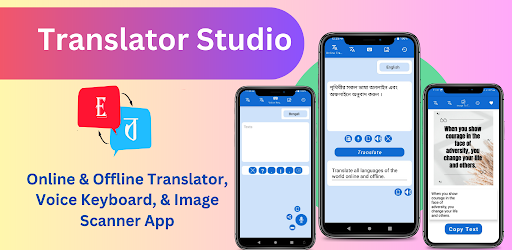
Translator Studio is such an application where one can translate more than fifty languages in online and offline . Besides, here are given voice keyboard and image scanner section to convert any textual image into text.
In this app, there are five sections:
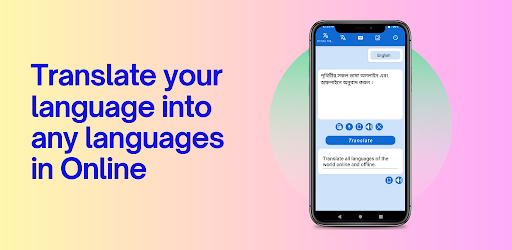
***01. Online Translation Section:
If you have internet connection and need excellent translation then you can use this section.
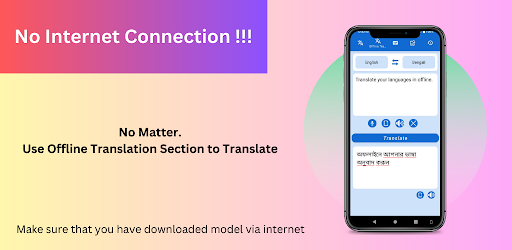
*** 02. Offline Translation Section:
If you have no internet connection, you can use this section to translate in offline .
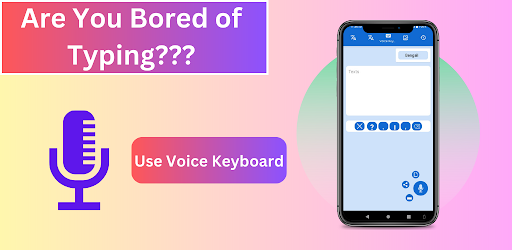
*** 03. Voice Keyboard Section:
Use voice keyboard section to get text without typing.
***04. Image Scanner Section:
Scan any textual image into writeable text .
***05. History Section:
Translation will be saved in history section in order to reuse.
Core Features of This App:
. Easily and smoothly translate one language to another
. Convert any textual image into writeable text: Nobody has enough time to write a lot of words to translate .Just click text to image function, it will convert into text within a millisecond and copy these texts just clicked copy button and paste it to translation function and get your translation.
. Automatically added all translations into history section
. Convert any Voice into text
. Convert any text into voice
How to use "Translator Studio: Offline" ?
Step: 01
After downloaded or updated from play Store, when you translate form one language to another for the first time, don't turn off your internet connection and wait few seconds after clicking the translate button (maximum 30 seconds or more or less on the basis on your internet speed). From the second time, no need to use internet for translation.
Step: 02
Check your notification bar and see a zip file is downloading. Wait till complete the download .
Step: 03
Finally all models would be downloaded, now you can translate in offline from your favorite language translator app "Translator Studio: Offline"
Following Languages are supported by our app:
English,Bengali,Chinese,Hindi,Spanish,French,Arabic,Russian,Portuguese,Indonesian,Urdu,Japanese,German,Telugu,Turkish,Korean,Marathi,Afrikaans,Albanian,Belarusian,Catalan,Croatian,Czech,Danish,Dutch,Esperanto,Estonian,Finnish,Galician,Georgian,Greek,Gujarati,HaitianCreole,Hungarian,Icelandic,Irish,Italian,Kannada,Latvian,Lithuanian,Macedonian,Malay,Maltese,Norwegian,Persian,Polish,Romanian,Slovak,Slovenian,Swahili,Swedish,Tamil,Thai,Ukrainian,Vietnamese,Welsh