Guide For Fitbit Charge 4
com.appguide.fitbitcharge4
View detailed information for Guide For Fitbit Charge 4 — ratings, download counts, screenshots, pricing and developer details. See integrated SDKs and related technical data.
Screenshots


Description
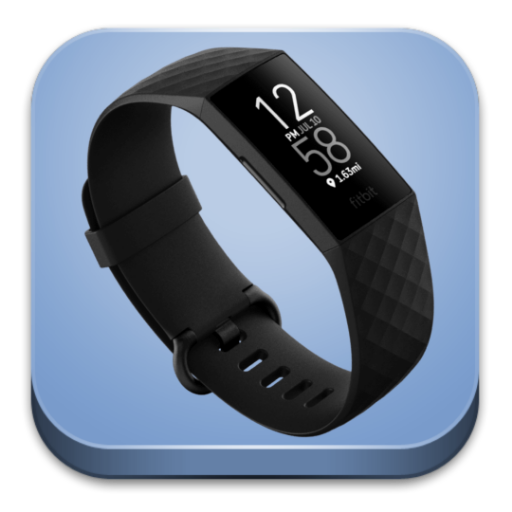
The Fitbit Charge 4 sports bracelet is the best bracelet for health and sports and offers many functions to control your favorite playlists, organize your day and more.
Every minute is time for you: take advantage of it to reach your goals with a better understanding of your body and your activity.
Guide summary:
1 Get started
Fitbit Charge 4 key features
2 Set up Fitbit Charge 4
2.1 Charge your tracker
2.2 Set up with your phone or tablet
3 Wear Charge 4:
Place Charge 4 around your wrist
4 Change the band:
5 Basics:
5.1 Navigate Charge 4
5.2 Quick settings
5.3 Check battery level
5.4 Set up device lock
5.5 Turn off the screen
6 Apps and Clock Faces:
6.1 Change the clock face
6.2 Open apps
6.3 Download additional apps
6.4 Remove apps
7 Lifestyle:
7.1 Agenda
7.2 Weather
8 Notifications:
8.1 Set up notifications
8.2 See incoming notifications
8.3 Manage notifications
8.4 Turn off notifications
8.5 Answer or reject phone calls
8.6 Respond to messages
9 Timekeeping:
9.1 Use the Alarms app
9.2 Use the Timers app
10 Activity and Sleep:
10.1 See your stats
10.2 Track a daily activity goal
10.3 Track your hourly activity
10.4 Track your sleep
10.5 Set a sleep goal
10.6 See your heart rate
11 Control Gharge 4 apps
11.1 Control music with the Spotify app
11.2 Fitbit Pay
11.3 Make purchases
12 Update, Restart, and Erase :
12.1 Update Charge 4
12.2 Restart Charge 4
12.3 Erase Charge 4