Mqtt Dashboard - IoT and Node-
com.app.vetru.mqttdashboard
View detailed information for Mqtt Dashboard - IoT and Node- — ratings, download counts, screenshots, pricing and developer details. See integrated SDKs and related technical data.

Screenshots

Description
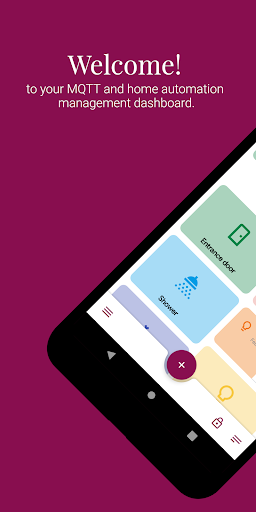
Mqtt Dashboard is a simple and beautiful tool to control your MQTT-enabled devices and manage your home automation system. It’s compatible with Node-RED, Tasmota Sonoff, all internet enabled Arduino board and much more…
If it has MQTT, it works with this app.
Features:
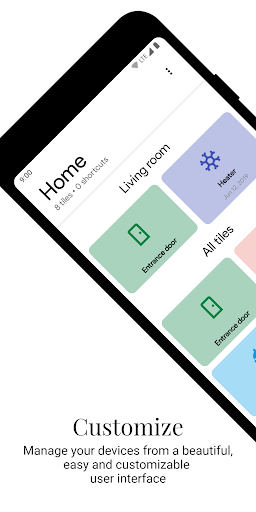
👉🏼 Create and customize your dashboard with a clean and fresh user interface.
👉🏼 Use shortcuts to easily engage with your most-used devices.
👉🏼 Receive messages formatted as JSON and extract the payload from the specified path.
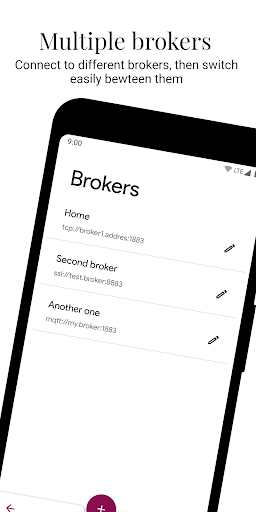
👉🏼 Define different broker connections and switch easily between them (PRO).
👉🏼 Dark or light mode!
👉🏼 Background connection - may drain the battey!
Available tile types:
Compound ones:
💡 Light: manage brightness and color of lights and similar devices
🌡 Thermostat: display and send setpoint, mode, temperature and humidity
Standard ones:
💬 Button: sends a predefined message; output only.
💬 Multiselect: offers a selection of pre saved messages you can choose from; output only.
💬 Toggle: toggle the state of the topic, from on to off and vice versa; input and output.
💬 Text: send and receives any type of string; input and output.
💬 Progress: sends numerical value in a fixed range and displays the received one; input and output.
💬 Date & time: choose and send messages containing date or time, and displays the received one; input and output.
💬 Color: sends a numerical color value chosen from an RGB selector, and displays the received tint; input and output.
💬 Line chart: displays a chart from received formatted data; input only.
💬 Image: show a picture from the received url.
The app is still under development, and could therefore be subjected to changes, bugs, weird behaviours and all sort of bad stuff; if you encounter a bug, want to share a feedback or help translating, reach me out via email.