File Manager
com.app.android.filemanager
View detailed information for File Manager — ratings, download counts, screenshots, pricing and developer details. See integrated SDKs and related technical data.

Screenshots
Description
File Manager is an easy and powerful file explorer for Android devices. It’s free, fast and full-featured. Because of its simple UI, it’s extremely easy to use. You can easily manage storages on your device, and cloud storages. What’s more, you can find how many files & apps you have on your device at a glance immediately after opening the app.
📂Manage Files All in One
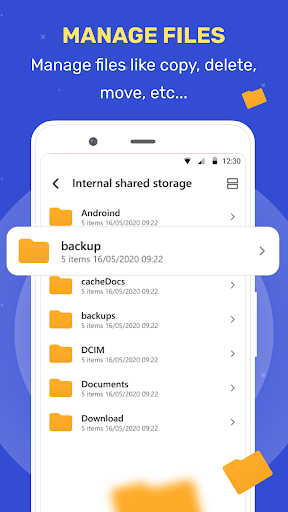
– Browse, Create, Multi-Select, Rename, Compress, Decompress, Copy & Paste, Move files and folders
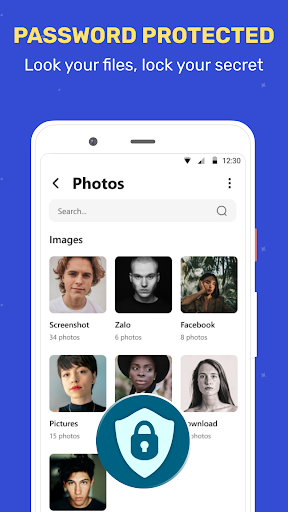
– Lock your files in private folder to keep safe
🔎Easily Find Files
– Search and find your buried files fast with only a few taps
– No longer waste much time looking for videos, music or memes you’ve downloaded before
Features List :
* Manage files like Images, movies, documents, Music, apps in your mobile.
* File Manager – File explorer to access and manage storage, copy and paste files, delete files, backup files, compress and decompress files and many such similar actions easily.
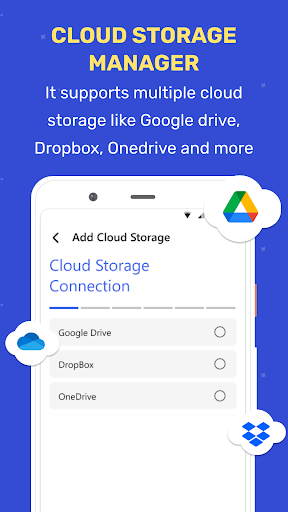
* Cloud Storage – file manager for Dropbox, Google Drive …
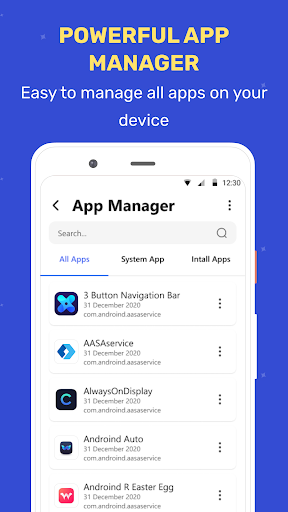
* Application Manager – easily backup, uninstall and create shortcut for your apps.
App Manager & Storage Cleaner
* Manage system and user installed apps
* Backup apps to apk file
* Uninstall apps
* Share apps
Material Design File Manager
* Improved UI and UX for best performance
* Multi color options support
* Simple and Clean in design