Reef Meister: Measure & Manage
com.antonpaar.reefmeister
View detailed information for Reef Meister: Measure & Manage — ratings, download counts, screenshots, pricing and developer details. See integrated SDKs and related technical data.
Screenshots



Description
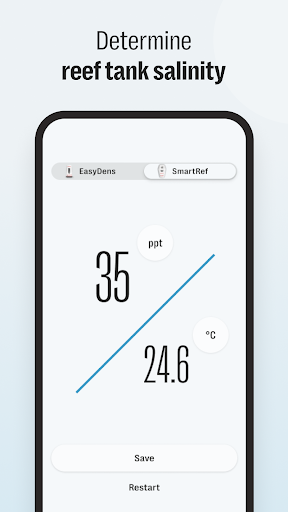
Reef Meister - Collects results from the digital refractometer SmartRef by Anton Paar.
The device delivers precise results in seconds and provides you with readings in multiple different units customized to the needs of your application.
The Reef Meister mobile app supports you in the management, visualization and exportation of data.
FEATURES
Lab Meister reports results in the following units:
• Practical Salinity Units (PSU)
• Salinity in Parts per Thousand (ppt)
• Salinity S.G. (SG 20/20)
• The concentration values shown on your phone are already temperature-corrected, so you need no further calculations and correction tables.
The SmartRef is adjusted using the app and distilled water.
For refractive index measurements, you will require a SmartRef by Anton Paar: http://www.my-smartref.com
SUPPORT
Contact us at support@my-smartref.com
PRIVACY POLICY
https://www.my-smartref.com/policies/privacy-policy
TERMS
https://www.easydens.com/pages/legal-notice
---
Auto-Renewable Subscription Terms:
Subscriptions are billed monthly or annually at the rate selected depending on the subscription plan.
* Your free trial subscription will automatically renew to a paid subscription unless auto-renew is turned off at least 24 hours before the end of the free trial period.
* Please note: any unused portion of a free trial period (if offered) will be forfeited when you purchase a premium subscription during the free trial period.
* You can cancel a free trial or subscription anytime by turning off auto-renewal through your iTunes account settings. This must be done 24 hours before the end of a free trial or subscription period to avoid being charged. The cancellation will take effect the day after the last day of the current subscription period, and you will be downgraded to the free service.
* Account will be charged for renewal within 24-hours before the end of the current period, and identify the cost of the renewal.