Philips TV Screen Mirroring
com.airbeamtv.philips
View detailed information for Philips TV Screen Mirroring — ratings, download counts, screenshots, pricing and developer details. See integrated SDKs and related technical data.

Screenshots


Description
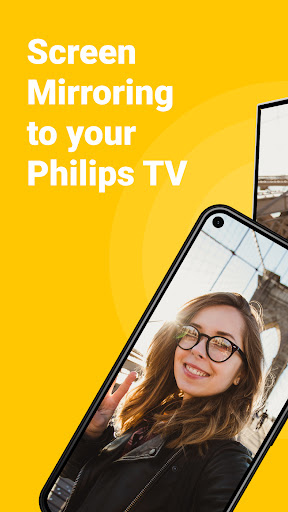
Mirror and stream online videos and share your phone screen to your Philips smart TV. Enjoy all your phone and tablet content to your smart TV for free. Cast the screen of your phone or tablet to your Philips smart TV from remote.
Get the most out of your Android devices and your Philips with this TV casting app for free. Screen share your holiday photos and impress your loved-ones. Cast to your android TV all your phone content with the Philips TV Screen Mirroring app by AirBeamTV:
📺 Cast everything on TV from your phone & tablet with Philips
⚽️ Stream live sports matches
📰 Mirror from remote breaking news
📸 Screen share photos to friends and loved ones on your Philips TV
👍 Stream Twitch, Facebook Live, TikTok or Instagram Live
📲 Control from remote your Philips android TV with your phone or tablet
Easily share the screen of your smartphone or tablet straight to any Philips Smart TV. Easily cast to your Philips TV for free.
Requirements:
1) WIFI
2) Android smartphone or tablet
3) Philips Smart TV
Make sure your Philips smart TV and Android smartphone/tablet are connected to the same network. After you download Philips TV Screen Mirroring app on your mobile, it will automatically open a quick manual. It will also automatically recognize and find your Philips TV.
*Some apps block screen mirroring. This is known as DRM or Digital Rights Management. It blocks the content of those apps from appearing via a telephone or tablet on TV. DRM restrictions are enabled by an organization that developed the content app. Philips TV Screen Mirroring app cannot change this.
Don't have a Philips TV? Still want to enjoy screen mirroring? We support all media-streamers (Chromecast, Fire TV Stick, Roku) and all popular TV brands (Samsung, LG, Sony, TCL, Hisense) for TV screen mirroring from remote.
More info: https://www.airbeam.tv/
Support: https://www.airbeam.tv/contact-us/
Screen Mirror, Cast & Stream To Philips Smart TV using our Screen Mirroring app for free.