actiTIME Time Tracker
com.actitime.mobile
View detailed information for actiTIME Time Tracker — ratings, download counts, screenshots, pricing and developer details. See integrated SDKs and related technical data.

Screenshots

Description
actiTIME Time Tracker app helps you to maximize your productivity. Seamlessly track your time and manage tasks from just anywhere.
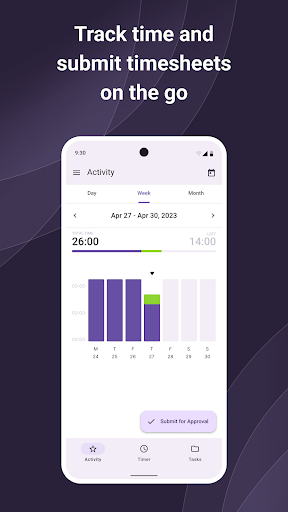
- A daily calendar to keep a precise record of everything done throughout the day.
- In-app timesheet submission and approval tracking to eliminate delays and speed up manager review.
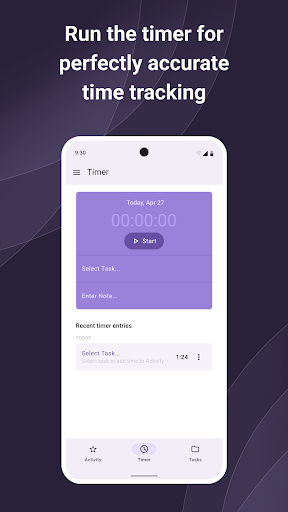
- A timer to keep every billable second accounted for.
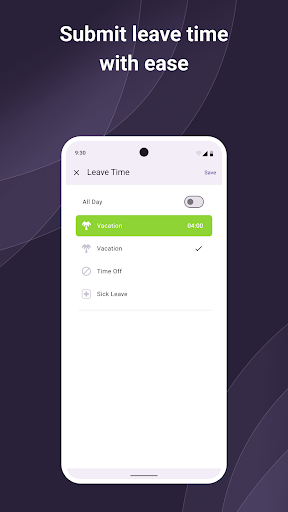
- Submitting leave and setting work status on the go to keep your team updated on your plans.
- Elaborated task display and creation to let you quickly associate your activities with specific clients and projects.
System requirements:
Android 5+
The mobile application is compatible with actiTIME Online and actiTIME self-hosted (starting from the version 2024.0).
FAQ:
How can I access the actiTIME Mobile app?
You need an actiTIME account for this. If you don't have an account yet, please sign up for a free trial.
Where can I find my account URL?
It is displayed in the address bar when logged into your web application. You can also log in using the email address associated with your actiTIME account.
How can I submit my timesheet from the app?
You can do it in the Week Activity tab.