Video Converter
com.aconvert.videoconverter
View detailed information for Video Converter — ratings, download counts, screenshots, pricing and developer details. See integrated SDKs and related technical data.

Screenshots



Description
Video Converter is an easy-to-use app for Android to convert video MP4, MOV, WEBM, AVI, MKV, WMV, M2TS, ASF or GIF file offline or online.
Video Converter takes three simple steps to finish video conversion. First choose multiple video files or choose a folder to add all video files in it, then set options and target video format you want to convert to. Options for target video include video size, bitrate, frame rate and video aspect. Finally tap the "Convert video files" button to start conversion. The conversion may take a few minutes to hours depending on the video file size and CPU performance of your phone.
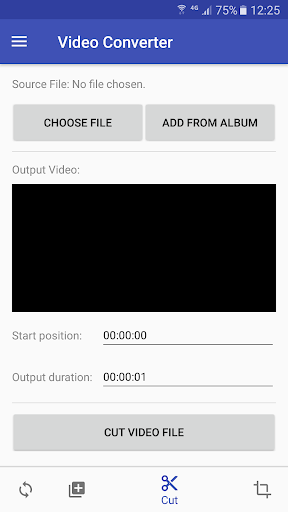
Besides converting video format from one to another, you can also use this app to cut the needed part from a video file or merge multiple video files into one single video file.