Image Converter - PNG JPG PDF
com.acelabs.convertor
View detailed information for Image Converter - PNG JPG PDF — ratings, download counts, screenshots, pricing and developer details. See integrated SDKs and related technical data.
Screenshots

Description
Convert images to the required format easily.
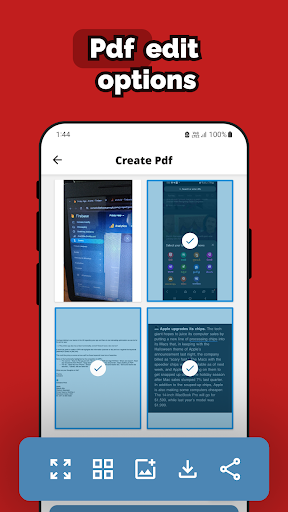
Image Converter is a beautifully designed app to easily convert your images to required format - JPG, PNG, WEBP and PDF.
Quality Image Converter converts the images without losing quality to your required file format. The easy-to-use UI of the app allows you to perform different functions like conversion, rotation, cropping and saving the converted image in a smooth and seamless manner.
FEATURES
1. Convert images to required format from PNG, JPG, WEBP or PDF.
2. Save images or files to your required extensions:
- .png
- .jpg
- .webp
- .pdf
3. Crop Images
Crop away the unwanted portions from the image as per your requirement.
4. Rotate Image
Set the rotation for the image as per your requirement.
HOW TO USE
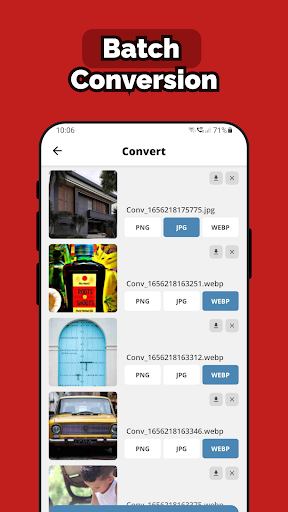
1. Select an image or multiple images to convert.
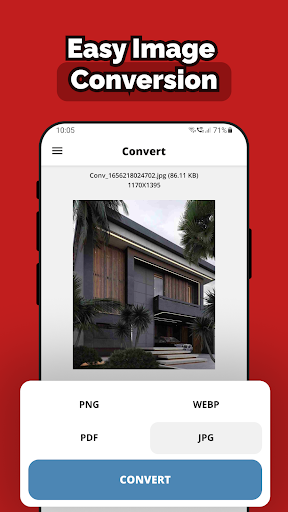
2. Select CONVERT option to show the convert options.
3. Choose your required image format from PNG, JPG, WEBP or PDF.
4. Tap on CONVERT button convert the images to your required format.
5. After the image is converted, the original image and the converted image will be available. Save the image or file by pressing SAVE option.