Transparent Analog Clock
com.TransparentClock
View detailed information for Transparent Analog Clock — ratings, download counts, screenshots, pricing and developer details. See integrated SDKs and related technical data.
Total installs
265(265)
Rating
0.0
Released
August 4, 2021
Last updated
January 1, 1970
Category
Personalization
Developer
Astined Design
Developer details
Name
Astined Design
E-mail
newast.design@gmail.com
Website
unknown
Country
Bulgaria
Address
unknown
Android SDKs
- No items.
Screenshots


Description
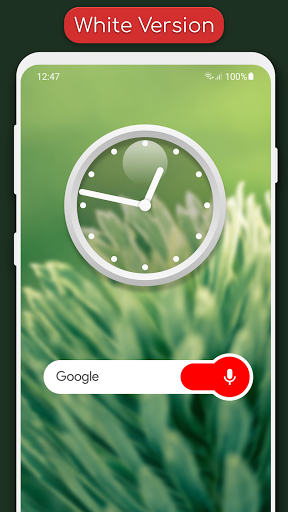
Clean Transparent Clock Widget.
Features:
1.Simple Analog Clock
2.Clean Transparent Design
3.Includes Black Version
4.Perfect For Every Wallpaper
5.Does Not Drain Battery
6.Ad-free
How To Add Widget:
1.On your home screen of your Android device, tap any blank or “empty” area and hold down your finger for 2-3 seconds.
2.The “Add to Home screen” window will appear. Tap on “Widgets”.
3.List of all the installed Widgets on your Android device will appear.
4.Select the "Transparent Clocks” to add to your home screen.