VITEK Transcendent Series View
com.Transcendent.network
View detailed information for VITEK Transcendent Series View — ratings, download counts, screenshots, pricing and developer details. See integrated SDKs and related technical data.
Screenshots

Description
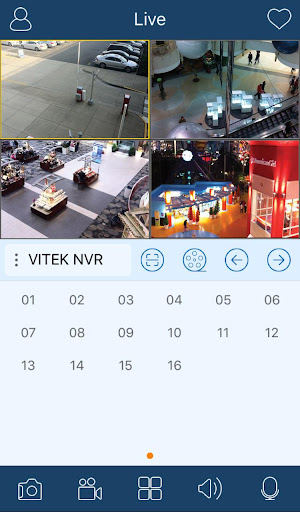
The VITEK Transcendent Series is a remote viewing application for Transcendent Series DVRs, NVRs, and IP Cameras.
- View multiple Transcendent Series DVRs, NVRs, and IP Cameras simultaneously
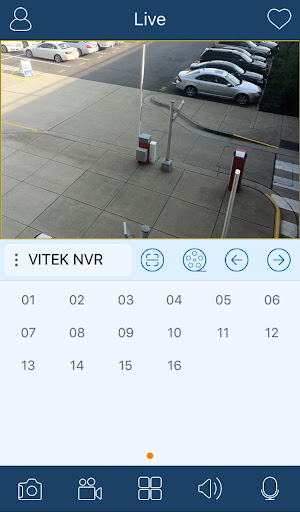
- Live Viewing
- PTZ Control
- Search
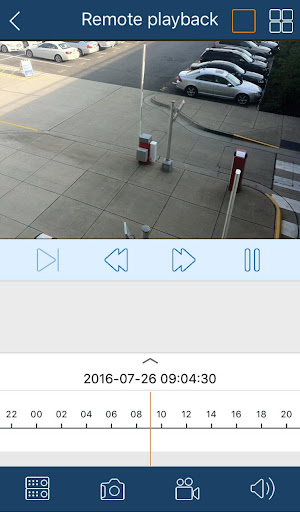
- Playback of recorded video
- Live Audio
- Remote DVR setup
- Screen capture (snapshot)
- Log view - Alarm, Record, Motion and etc.
- Zoom (pinch zoom LIVE and PLAYBACK)
- Adjustable quality level
- Devices can also be added by MAC address, or using the built-in QR Code scanner
To view a live demo:
1) Install the VITEK Transcendent Viewer App.
2) Once installed, open the VITEK Transcendent Viewer App and "click drop arrow under Device to" enter the following information:
Transcendent DVR Demo:
IP Address: 76.81.140.235:8018
Account: demo
Password: 1234
Press Login to connect.
Additionally, you can also add the following NVR demo, if you would like to view both demos individually or simultaneously.
Transcendent NVR Demo:
External:12.22.195.26:8028
Account: demo
Password: 1234
** The ID is case sensitive and is all lower case.