FPS Monitor & Screen Hz Tool
com.TechTool.refreshrate
View detailed information for FPS Monitor & Screen Hz Tool — ratings, download counts, screenshots, pricing and developer details. See integrated SDKs and related technical data.

Screenshots


Description
Screen Refresh Rate Tools – Hz & FPS Monitor
Get complete control and insights into your device’s screen refresh rate. This app offers everything you need to monitor, analyze, and (if supported) adjust your display’s Hz and FPS in real time. Perfect for Gamers, Tech enthusiasts, or regular users who wants to optimize their screen performance.
(**PLEASE NOTE that the control feature works only on some supported devices like Galaxy S20/S20+**)
Main Features:
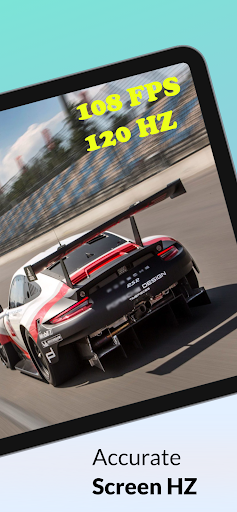
📊 Real-Time Dashboard – Instantly view your current screen refresh rate. Detect whether your display is static (single frequency) or dynamic (multi-frequency, e.g., 60Hz/120Hz/144Hz).
🔔 Notification Hz Monitor – Always see your display’s refresh rate in the notification bar.
🎮 OSD Overlay (Paid) – On-screen display of FPS/Hz while gaming or navigating.
ℹ️ Display Info – Detailed display specifications and features.
🚀 Optimize Mode – Cleans unused processes to help achieve smoother FPS.
⚙️ Custom Refresh Rate – Force your screen to a specific Hz value (PLEASE NOTE that the control feature works only on some supported devices like Galaxy S20/S20+).
Extra Benefits:
- Works with high-refresh-rate displays (90Hz, 120Hz, 144Hz, and higher.).
- Helps detect if your device is game-ready.
- Useful for benchmarking and testing display and device performance.
Note: Some features (like Custom Refresh Rate) are supported only on specific devices and may require additional permissions.
More tools and features are coming soon – stay tuned!