Digital Business Card Maker
com.PICCHAT.businessCardMaker
View detailed information for Digital Business Card Maker — ratings, download counts, screenshots, pricing and developer details. See integrated SDKs and related technical data.

Screenshots
Description
Time to create your uniquely customized business cards with Digital Business Card Maker and grab a wider audience for the business.
A business card is the primary mode of identification for any business. It is essential to your company and helps you boost your potential customer figures. If you are a professional, you comprehend the requirement of a business card.
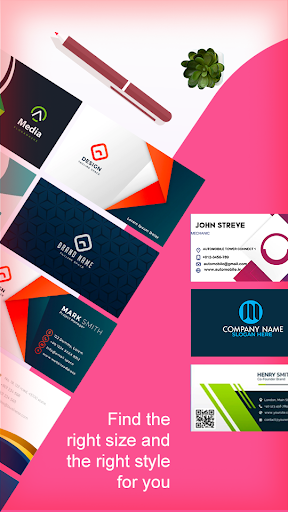
This Digital Business Card Maker application creates professional digital cards for your business. In this application, you can find many designs for your unique business card and make your cards per your customization.
This app is basically for those people who want to create their own business card in a unique design in HD quality.
FEATURES OF DIGITAL BUSINESS CARD MAKER :-
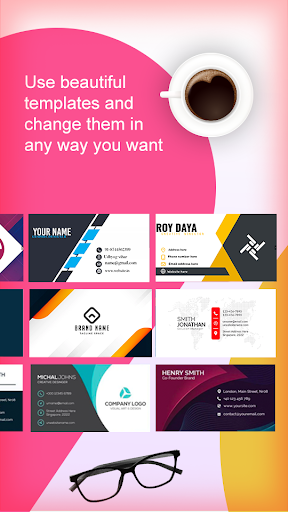
Multiple templates option with multiple business categories like elegant, real estate, shop, entertainment, Auto etc
A beautiful range of templates in each business category
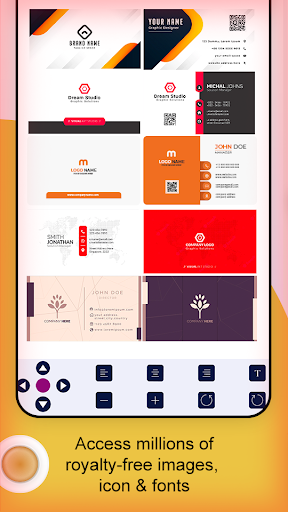
Built-in sticker collection, backgrounds, colors, and other effects
Provide multiple elegant fonts
HOW TO USE THE DIGITAL BUSINESS CARD MAKER?
1. Download and open the app on your device and choose your preferred category of business.
2. After selecting the business category, you can choose predesigned templates for your business card.
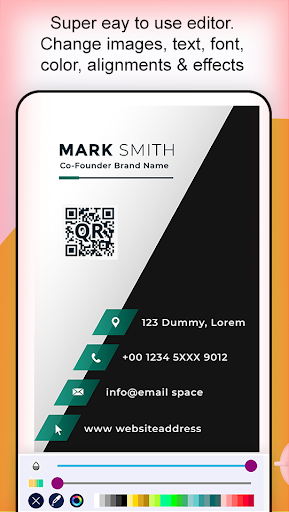
3. Add text for your business name, contact number, website and other required details. Edit text font, color, and style.
4. If required, add stickers and logo from the library.
5. You can also add social media icons to showcase your brand's social media presence.
8. Once done, you can save your digital business card and print.
Always be ready to get potential customers anytime by keeping your business card with you. Make one now with this Digital Business Card Maker. Download the app now.