Blur Photo Editor & Point Blur
com.PICCHAT.BlurPhotoEditor
View detailed information for Blur Photo Editor & Point Blur — ratings, download counts, screenshots, pricing and developer details. See integrated SDKs and related technical data.
- No items.
Screenshots
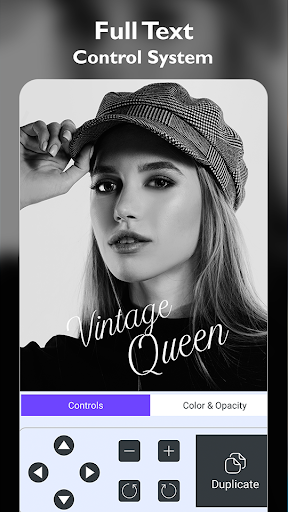
Description
The Blur Photo Editor app has various tools to create different types of blur effects. From auto blue to manual settings for blurry effects, you can edit and play with photo editing on a larger scale.
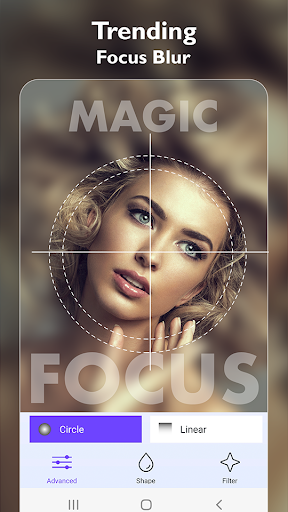
Enjoy and explore this blur photo editor for amazing photographs. The app offers different features with different tools for blur photo editing – Advanced and Freestyle. It comes with multiple blue styles for professional style blur background photos.
Blur Photo Background app is an easy-to-operate photo editor app. Thus, it is the best editor for those who have never edited a photo before. Furthermore, you can also use unique shape blurs and photo filter effects to enhance the images.
Impressive Things about the Blur Photo Editor app that makes it worth the hype:
* Advanced and Freestyle blur editing features
* Auto and manual blur options for easy blur effects
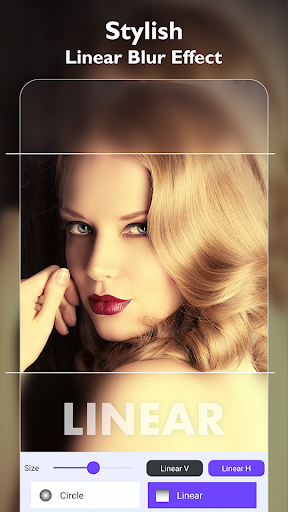
* Multiple Blur Styles: Motion blur, Gaussian blur, Pixel blur, Liner blur
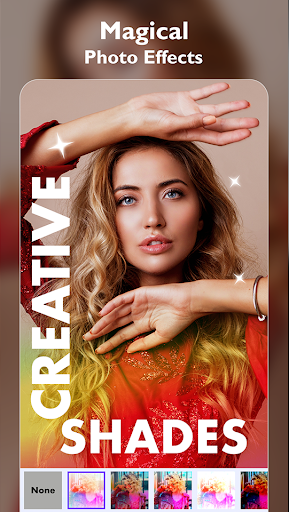
* Filters Effects: Filter effects for better images
* A range of editing features for an amazing experience
To conclude, the Blur Photo Editor is the best photo editor to apply blur effects to your photographs. Use Blur Photo Editor and edit your content easily. Download the app and start taking the benefits by editing your favorite content.