M4C At Home
com.Medasys.DxHAD
View detailed information for M4C At Home — ratings, download counts, screenshots, pricing and developer details. See integrated SDKs and related technical data.
Total installs
217(217)
Rating
unknown
Released
unknown
Last updated
January 1, 1970
Category
Medical
Developer
Dedalus Healthcare France
Developer details

Screenshots



Description
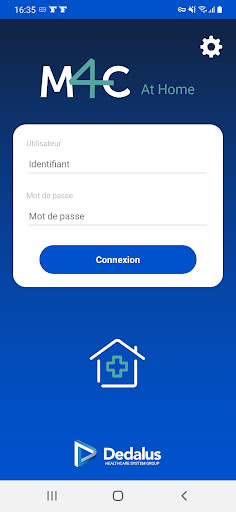
The M4C At Home application is intended for healthcare personnel who take care of patients at home (hospitalization, visit, home care, service delivery)
This application is backed by the DxCare hospital patient file management software and cannot function without it.
It allows you to view the list of patients cared for by a care unit, to know their address and telephone numbers.
For each patient, the user has a view of all the prescriptions made by the doctor as well as a summary of the history of the disease.
He can validate the care carried out at the patient's home, note the monitoring parameters, make transmission notes, and include photos, for example for wound monitoring. The data entered at the home is sent, in real time, to the hospital software, which makes it possible to ensure the coordination of care between actors in the home. All clinical data entered at home is visible in the patient record application. Care unit managers can respond to the caregiver's notes, and adapt the planned treatment in the coming days.
An offline mode allows the application to work in areas with poor network coverage. The caregiver can thus take with him the data of the patients he will visit during his round, enter the information in offline mode, then when he returns to a covered area, send the data to the central application.