MUFG photoTAN
com.MUFG_photoTAN
View detailed information for MUFG photoTAN — ratings, download counts, screenshots, pricing and developer details. See integrated SDKs and related technical data.

Screenshots


Description
The WEB CMS photoTAN intended solely as a legitimization process for the WEB CMS online banking system.
Description:
When sharing a transaction photoTAN process an encrypted color image is displayed on the screen in WEB CMS. This artwork is scanned with the WEB CMS photoTAN app and decrypted immediately. To control the information collected from you are also displayed. Check in each case the transaction data displayed in the app. With the indicated TAN enter the order in the online banking easy, fast and secure free.
Registration and activation:
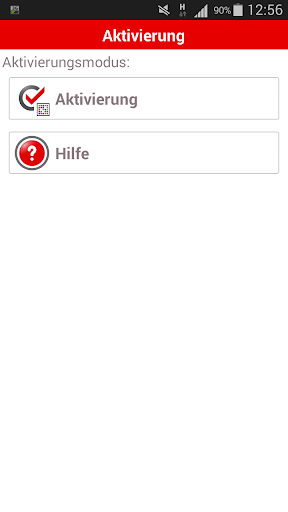
First, log in WEB CMS for the procedure under the menu option 'Administration - photoTAN' and follow the instructions to activate. You will then receive an activation letter with a unique activation code. Note: Please check necessarily the address stored in the system! After receiving the letter, you can unlock with the photoTAN app your phone for use (Enable photoTAN ') and release immediately orders WEB CMS.
Your advantages:
• High level of safety
• Additional security with transaction-specific TAN and display of payment data
• Useful if you use your online banking with various terminals
• no telephone or Internet connection required
• Can be used on smartphone or tablet
• No additional TAN generator required