StudentVUE
com.FreeLance.StudentVUE
View detailed information for StudentVUE — ratings, download counts, screenshots, pricing and developer details. See integrated SDKs and related technical data.

Screenshots
Description
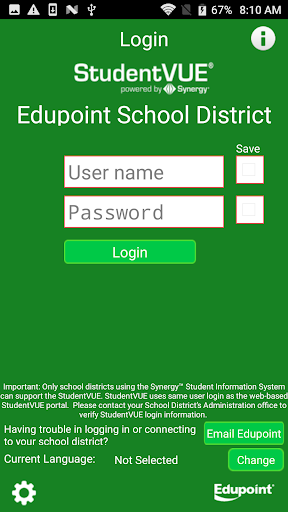
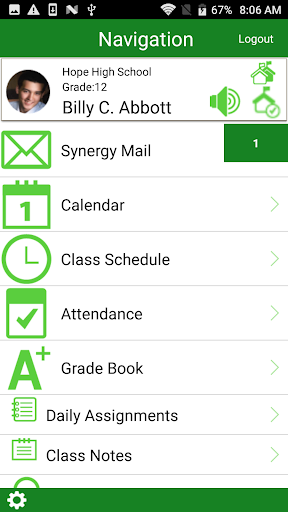
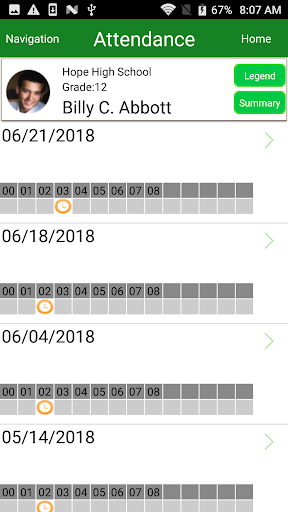
The StudentVUE Mobile application helps students stay informed and connected by providing day-to-day insight into their own academic experience. StudentVUE Mobile for the Android phones works with the Synergy™ student information system in much the same way as the StudentVUE web portal, allowing students to stay on top of upcoming school events, classroom happenings, assignments, tests, and academic performance. Students can view their classroom assignments and scores, attendance, transcripts, graduation status and more.
NOTE: StudentVUE Mobile for the Android phones is a free application for students using the StudentVUE web portal.
How to find District URL:
The StudentVUE Mobile app uses the same user login as the web-based StudentVUE portal. If you need help please contact your School District’s Administration office for access URL and StudentVUE login information.
Requirements:
• Only school districts using the Synergy™ student information system version 6.5 and higher can support the StudentVUE for the Android phone application.
• Requires wireless or 3G Internet connection.
• The StudentVUE Mobile for the Android phones app uses same user login as the web-based StudentVUE portal. Please contact your School District’s Administration office to verify Synergy™ version and StudentVUE login information.