AirPortal (File Transfer)
cn.airportal
View detailed information for AirPortal (File Transfer) — ratings, download counts, screenshots, pricing and developer details. See integrated SDKs and related technical data.

Screenshots

Description
AirPortal (Airdrop Express) is a clean, unlimited file transfer and sharing app. You can use it to transfer files over the network between any device and any system. Based on a simple and easy-to-use design, AirPortal makes transferring files an efficient and smooth experience.
main features:
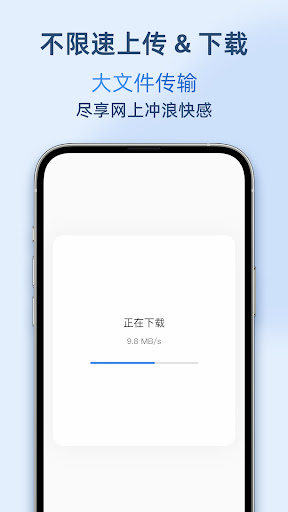
- Unlimited speed: Unlimited upload and download speed, high-speed transfer of large files.
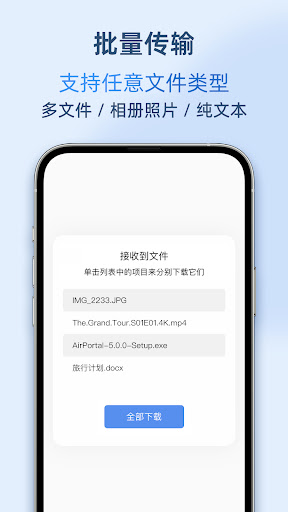
- Batch transfer: Supports transferring multiple files at one time.
- Any type: Supports any file type, including album photos and videos, plain text, etc.
- Share as you like: You can share and receive files through pickup codes, links, and QR codes.
- Privacy and security: You can set the download password, number of downloads, and validity period; files are deleted from the server after 24 hours by default.
- Clean and refreshing: no ads.
- All platforms: compatible with any device and any system. Just open your browser, visit AirPortal web, and send or receive files.
- Simple and easy to use: open AirPortal, upload the file, remember the pickup code and complete the sending; open AirPortal, enter the pickup code to receive the file.
- Quick sending: In other apps, you can use AirPortal to share files, pictures, text and URLs with one click through the system sharing menu.
- One-click reception: Send files to your other devices, and the device with the AirPortal App installed will pop up a notification. Click to receive the file with one click (you need to turn on "Notify me to receive files" in the AirPortal App settings).