Runner's Calculator 3
br.ici.corrida3.view
View detailed information for Runner's Calculator 3 — ratings, download counts, screenshots, pricing and developer details. See integrated SDKs and related technical data.

Screenshots


Description
The Runner's Calculator III aims to allow the athlete to measure their performance to plan your workouts and your runnings.
Regarding the first version, some minor improvements and adjustments were made based on user reviews.
Through a very simple and intuitive interface are provided the following calculations:
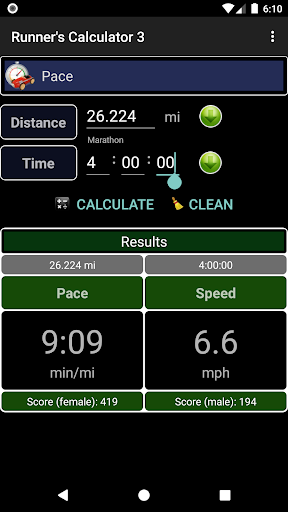
* Pace: Calculation of pace in min/km or min/mi for a given distance and time.
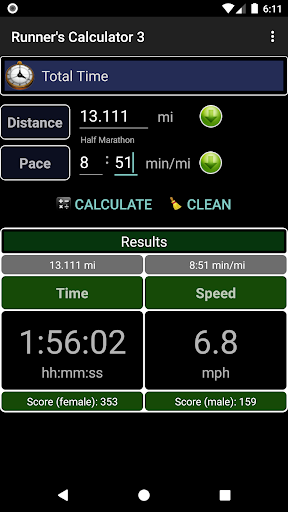
* Total Time: Calculating the total time for a given distance and race pace.
* Target Time: Calculate the expected time to run a distance, based on time from another distance already ran. For example, based the time of the 10K, you can estimate your time to finish a marathon.
* Body Mass: Calculation of body mass index.
* Lap Tables: Calculation of accumulated time on each lap, considering the average pace, to run a specific distance.
* Tennis Shoe History: Store the distance to a particular tennis shoe. It is not a rule, but to have a reference considers that the average lifespan of a tennis shoe is 500km (310mi). There are models that can pass the 800km (497mi), depending on the materials and technology used in their manufacture.
* Conversions: distance, pace and temperature.
Tips:
1. Function to add distances for calculations. Available at the Context Menu (Pace, Total Time, Scoring, Target Time).
2. Fields with zero or zeros on the left need not be filed.
3. To change field use the enter key on keyboard.
4. Select the calculation options that will be available at the Main Menu. For this, the screen itself from the Menu, press the Menu key and then Settings, then appears on the list of all available calculations. Simply select which must be active and press Return.
5. Maintains the selected distance unit (km or miles).