Biblia Fiel Slide
br.com.robsonras.bibliaslide
View detailed information for Biblia Fiel Slide — ratings, download counts, screenshots, pricing and developer details. See integrated SDKs and related technical data.
Screenshots



Description
People, please, before negativarem the application, please read the instructions, if after testing the application and do not like, feel free to give your review.
The Bible is a loyal Slide João Ferreira version of King James Revised loyal.
Read the Bible in Slide mode gives you more concentration, because the reader is focused only on the verse you are reading.
Thus the preacher can through a mirror, design a TV or projector so that its members do not have or did not bring the Bible to track what is being preached in worship.
The application also has several customizations such as backgrounds and font colors, through the shortcut at the bottom right of the screen.
INSTRUCTIONS
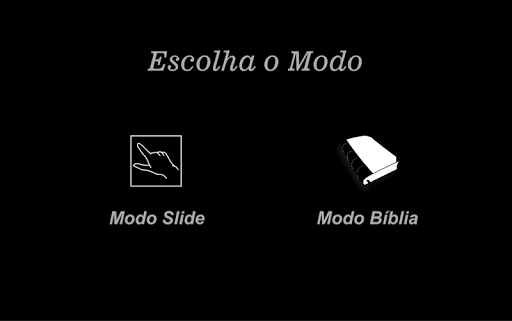
The application starts with a screen with a brief description. After clicking "OK" will run once an ad, which can be canceled within 5 seconds, then will appear 2 Bibles options (the "Slide Mode" and "Bible Mode").
MODE SLIDE
- Will open a screen with a short instruction of use, and an "OK" red to close this screen.
- After closing the instructions, you will have to play with 2 FINGERS TOGETHER to display the menus.
Note. After 5 seconds, the menus automatically disappear because the Slide mode was programmed so that the person can use a projector, TV, etc., and would not be nice to the visible menus.
- With the visible menu in the lower right corner has a gear that will give access to the program menu, the user can select another background, another source of color or other text alignment.
- To share the verses on social networks, tap the camera on the bottom left