Custom Formulas
binaryearth.customformulas
View detailed information for Custom Formulas — ratings, download counts, screenshots, pricing and developer details. See integrated SDKs and related technical data.
- No items.

Screenshots

Description
This powerful app lets you create your own custom formulas and then perform computations using them by prompting you for the input values.
This app is easy to use, but unlike simpler apps, multiple entered values can be fed into multiple formulas and multiple output values can be displayed. The output of one formula in a group can be fed into the next by using the same variable name.
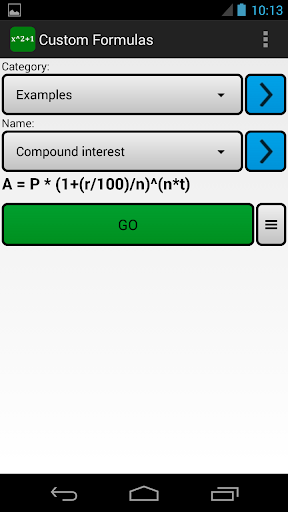
Related formulas can be grouped into categories to make them easy to find. e.g. Maths formulas, Surveying formulas, Loan interest formulas etc.
The order of variables displayed to the user can be changed, as can the number of decimal digits of precision shown in the output fields.
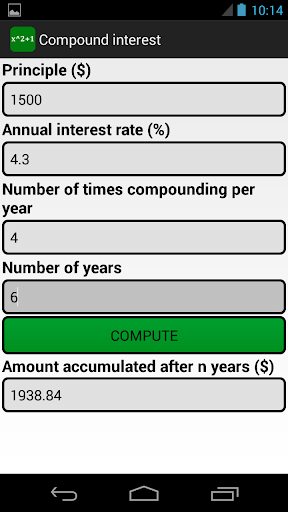
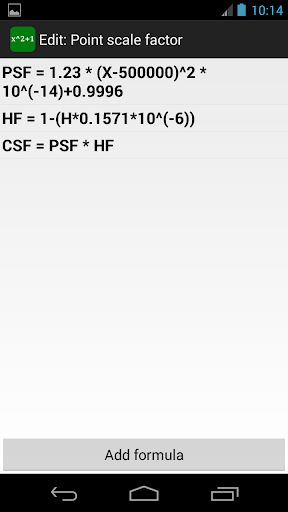
Three example formulas are pre-installed with the app. In order of increasing complexity they are: slope percentage, compound interest, and point scale factor. There are also a growing number of formulas available to easily download directly in the app from a web sharing hub. Current categories include health, finance, and surveying.
A formula group can be exported or emailed, allowing you to share your creations with other users of the app.
The results from multiple computations using the same formula can be saved to a CSV file for later viewing in a spreadsheet. You can also choose to compute the sum of the formulas for a range of values of one of the input variables using the sigma button.
In addition to evaluating formulas, there is also a calculator tool and a linear equation solving tool on the main page menu.
You can view the online help here: https://www.binaryearth.net/CustomFormulasHelp/