Night Tech XD APP
au.com.gfpa.xeye
View detailed information for Night Tech XD APP — ratings, download counts, screenshots, pricing and developer details. See integrated SDKs and related technical data.

Screenshots


Description
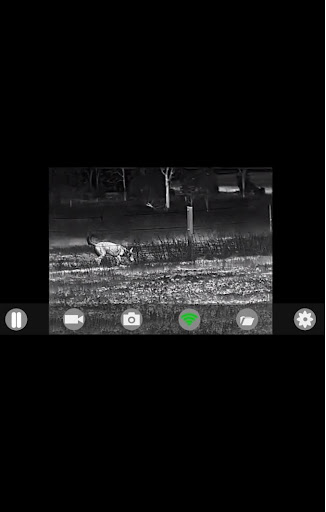
This App is for the connection of Night Tech XD STEALTH Series and other Night Tech Products with XST Technology and WIFI.
Features:
- Live Image sharing via WIFI with your device
- The download of internally recorded images and video
- Recording of images and video via the app and playback
- Sharing and saving of images and video
To use and install the App:
1. Download and Install the App, but do not open it yet
2. Turn the monocular on, go to the Main Menu and enable Wi-Fi, this can be done by holding down the zoom button for 5 seconds, then select WI-FI and short push the zoom button again to confirm, then long-press the zoom button to exit the menu (the Wi-Fi symbol will be displayed in the top left corner of the screen). See Wi-Fi instructions in the manual for more info
3. Enable Wi-Fi on your device by going to your Wi-Fi settings on your Phone/Pad.
Pair your monocular, each unit has a different name but usually starts with XWIFI. The password is: 12345678
4. Open the App, it should auto-connect. If it does not, press the button with
the Wi-Fi symbol
IMPORTANT NOTE: For older HD Series product please use the IR-TRACKER App found on the Google Play or iSO as this app is incompatible with older products. Products without WIFI can't be connected via this App