i-Ctrl - WiFi Remote Control
aifa.remotecontrol.tw.wifi.hp
View detailed information for i-Ctrl - WiFi Remote Control — ratings, download counts, screenshots, pricing and developer details. See integrated SDKs and related technical data.
- No items.
Screenshots

Description
What is i-Ctrl?
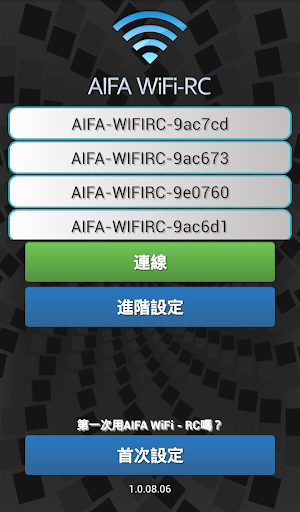
i-Ctrl is a remote control box and an App by AIFA Technology Corp. The control box connects to your home router. Through this the App lets you control your home electronic devices no matter where you are.
Supported devices
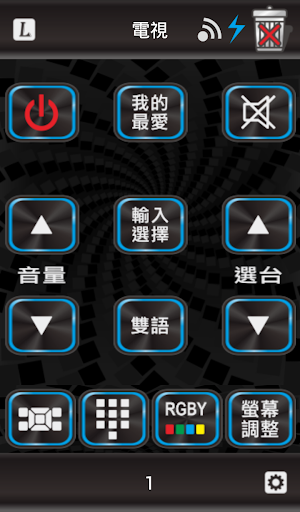
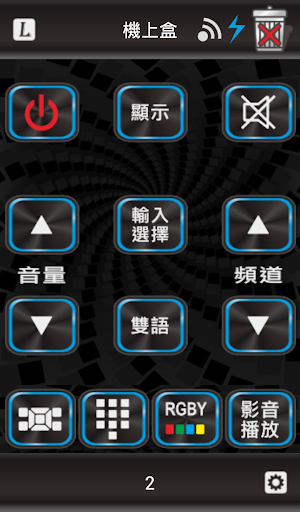
By default i-Ctrl supports TV, Top Box, DVD, AUX/Hi-Fi, Air conditioner and Light. i-Ctrl has built in remote InfraRed (IR) signals for thousands of these devices. You can choose from hundreds of brands including Sony, Panasonic, LG or Samsung.
Learning remotes
i-Ctrl can learn keys from remote controls, this way there is no limit to device support, every device with a remote control can be controlled.
Schedule function
With the schedule function of i-Ctrl you can set a time and date and select what a device should do. Is it too hot in your home during night? Just set a schedule for the Air Conditioner to turn on while you sleep!
Macro function
Using the macro function of i-Ctrl you can control multiple devices by pressing only one button. After arriving home you want to turn on your Light, Air conditioner and TV? No need to use 3 remote controls, just press one button in the i-Ctrl App!
For more details or questions about i-Ctrl please visit our website!